
Cleaning up finished worktrees in bulk
The Worktrees section header's ⋯ menu offers two bulk actions. "Prune worktrees" cleans up administrative metadata for worktrees whose folder is already gone from disk (deleted outside the app — rm -rf, a dropped external drive) rather than through Remove-worktree. "Remove merged worktrees" is the other direction: the folder still exists, but its branch is done — merged, or its upstream deleted — so the whole worktree (folder and all) is removed at once, skipping anything dirty or detached.
Pruning worktrees whose folder is gone from disk
Nothing here touches disk — a worktree whose folder is already gone just has leftover administrative metadata under .git, and pruning clears that out so the entry stops showing up as a worktree that no longer exists anywhere.
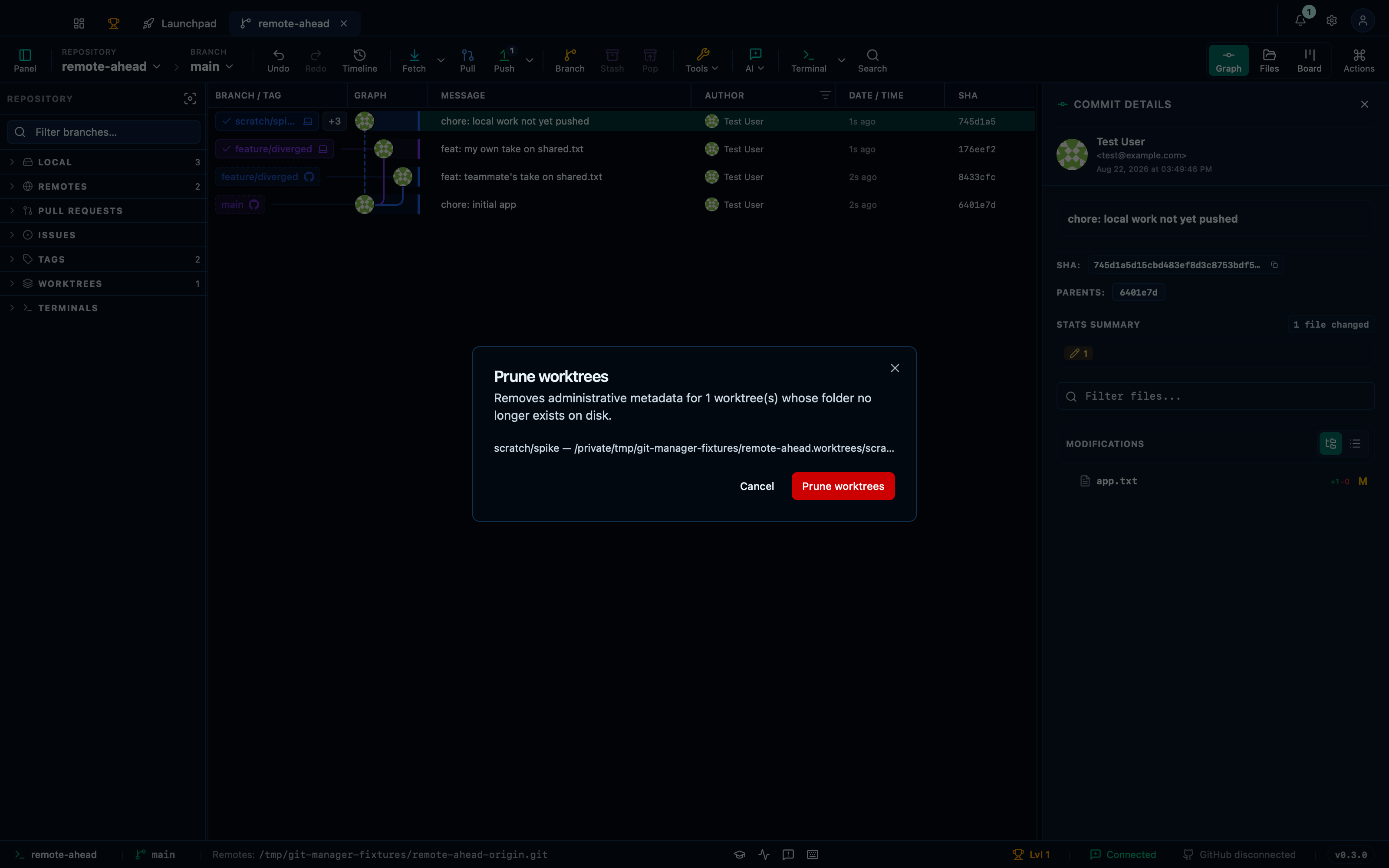
Captured from the running app by this scenario.
Do this
- Open the worktree actions menu
- Pick
Prune worktreesfrom the worktree actions menu - Confirm the worktree-prune dialog
You should see
- The worktree-prune dialog lists the worktree for branch
scratch/spike - The repository no longer has a worktree entry for branch
scratch/spike
Removing merged worktrees in bulk
Unlike pruning, this deletes a folder that's still there — so it only offers a worktree whose branch is actually done (merged, or its upstream gone) and whose checkout is clean, skipping anything dirty or detached rather than guessing.
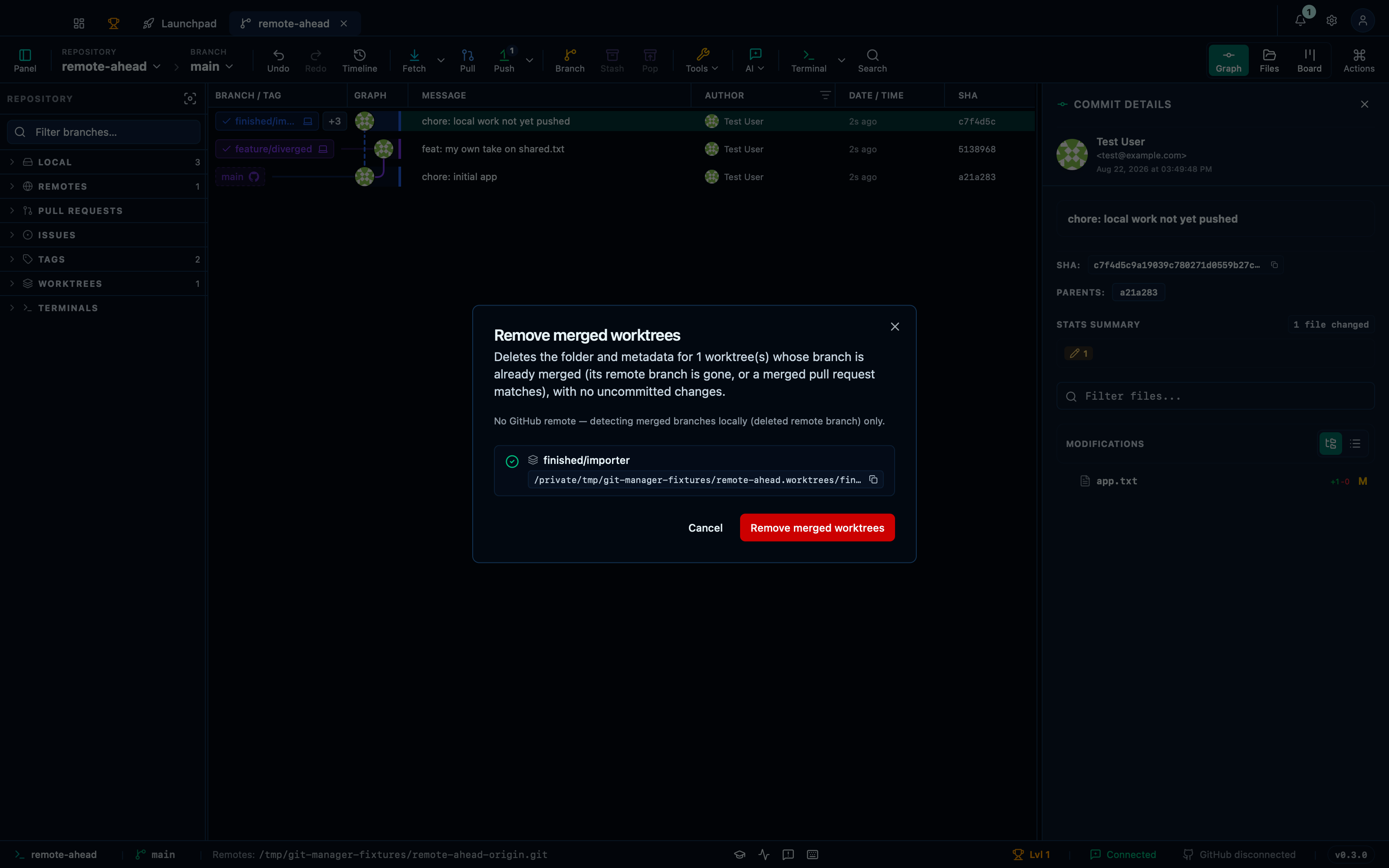
Captured from the running app by this scenario.
Do this
- Open the worktree actions menu
- Pick
Remove merged worktreesfrom the worktree actions menu - Confirm the worktree-remove-merged dialog
You should see
- The worktree-remove-merged dialog lists the worktree for branch
finished/importer - The repository no longer has a worktree entry for branch
finished/importer - The worktree folder for branch
finished/importerno longer exists on disk
This page is generated from apps/e2e/features/worktree-cleanup.feature, the end-to-end test that drives the feature it describes.