
General
Settings opens as a full-screen overlay from anywhere in the app (⌘, on macOS) rather than a separate window, with sections down the side: general, AI, notifications, SSH, appearance and more — each covered on its own page (see the Settings group's other entries). Whatever you change is saved immediately and survives a reload — there is no explicit "save" button to remember.
Configuring background auto-fetch
The app quietly re-fetches the active repository on a timer of its own, even while the window doesn't have focus — useful for a repository left open and unattended, so a branch that moved upstream surfaces on its own instead of waiting for a manual Fetch. Turning the interval to 0 disables it; whether that automatic fetch also prunes gone-remote branches is a separate choice, independent of what a manual fetch does.
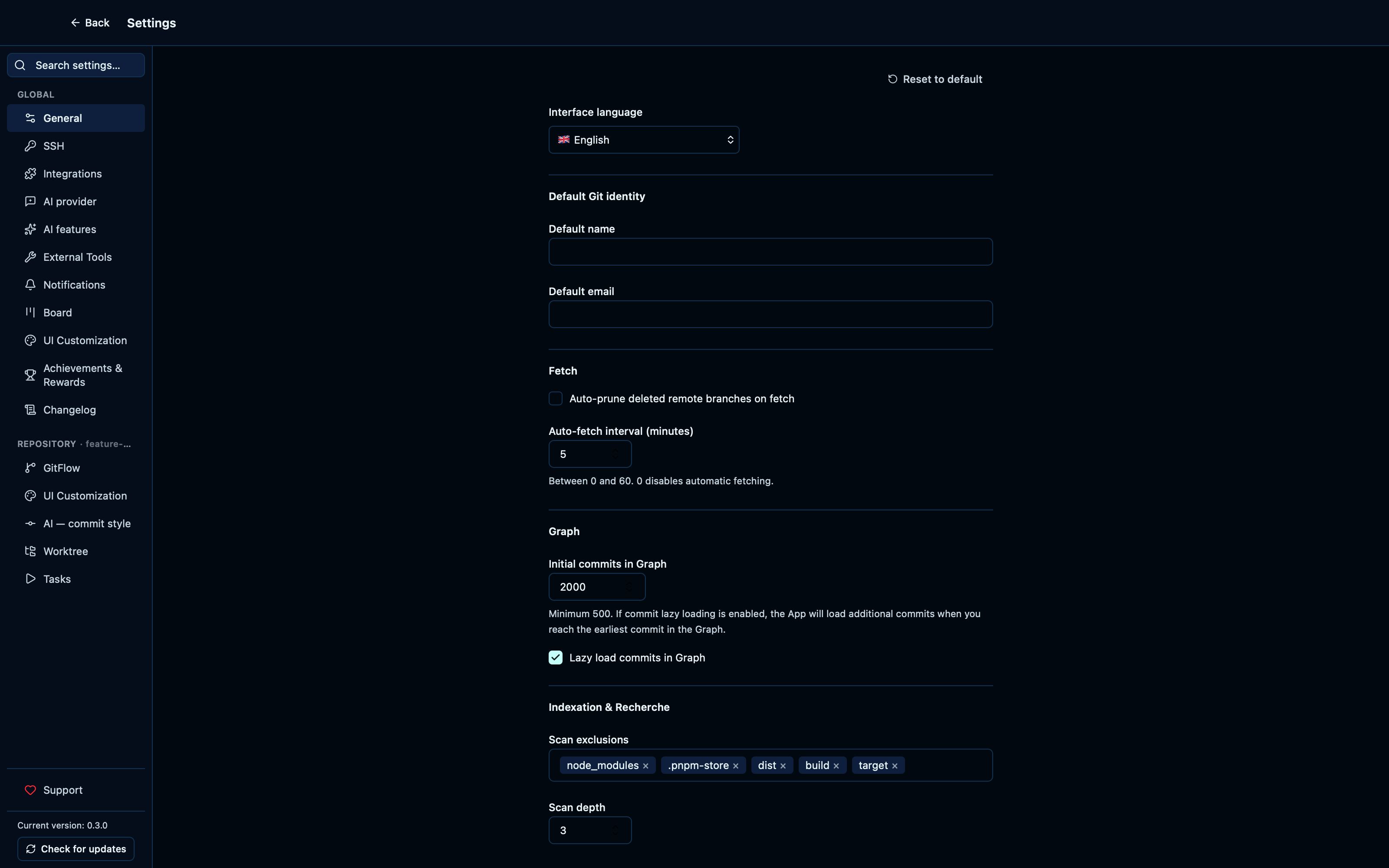
Captured from the running app by this scenario.
Do this
- Open the settings
- Open the
generalsettings tab - Set the auto-fetch interval to
5minutes - Turn off automatic pruning on auto-fetch
- Reload the application
- Open the settings
- Open the
generalsettings tab
You should see
- The auto-fetch interval is
5minutes - Automatic pruning on auto-fetch is off
Configuring git identity, graph loading, and index scan settings persists across a reload
The General section covers more than the toggles above: the name and email new commits are authored as, how many commits the graph loads up front (and whether it keeps lazily loading past that), and which paths the workspace-wide file scan skips and how deep it descends. All of it is saved the same way as everything else here — immediately, with nothing to click to commit it — and the app's own configuration file is shown at the bottom for whoever wants to look at what got written.
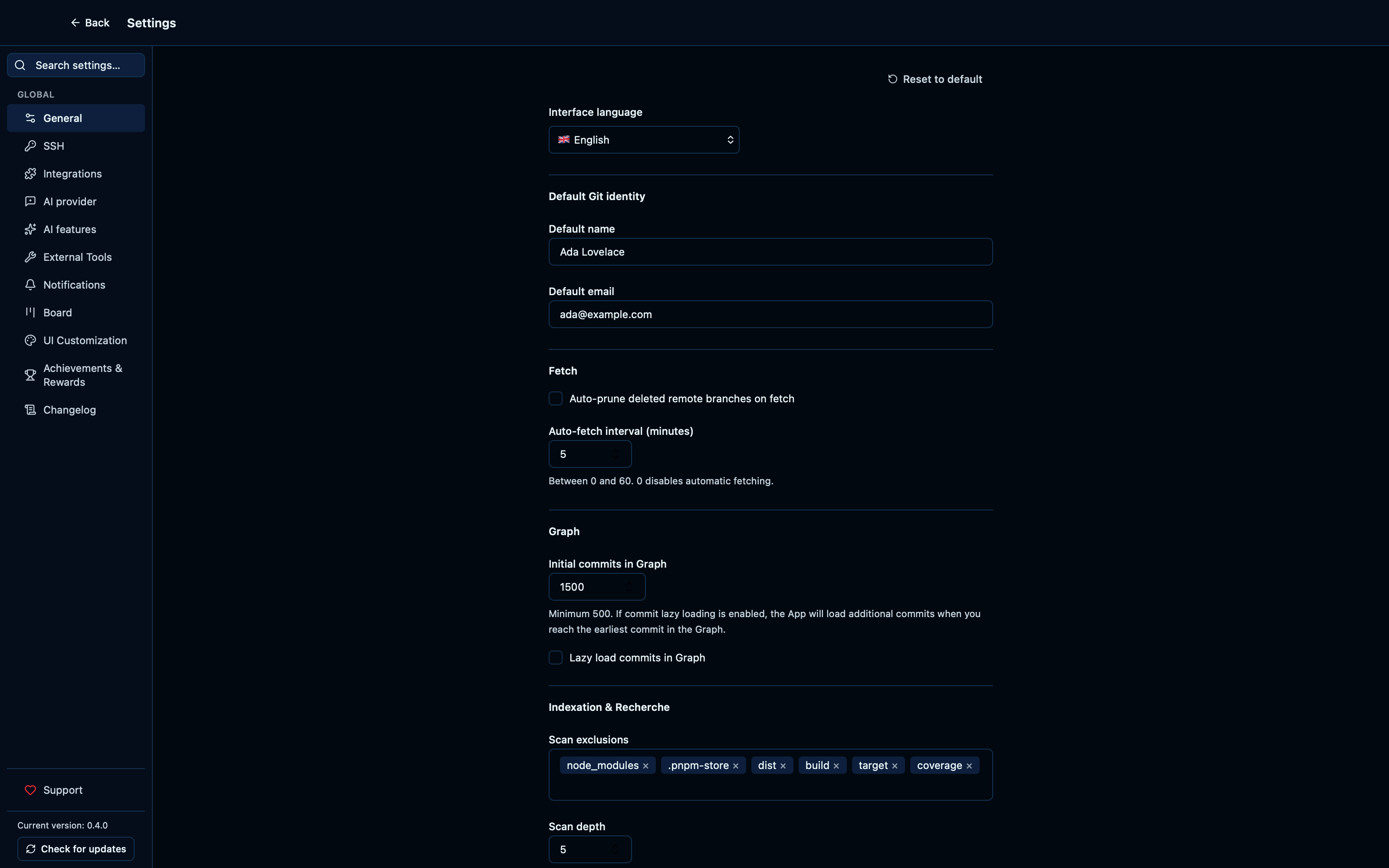
Captured from the running app by this scenario.
Do this
- Open the settings
- Open the
generalsettings tab - Set the git identity name to
Ada Lovelace - Set the git identity email to
ada@example.com - Set the initial graph commit count to
1500 - Turn off lazy-loading graph commits
- Add
coverageto the scan exclusions - Set the max scan depth to
5 - Reload the application
- Open the settings
- Open the
generalsettings tab
You should see
- The git identity name is
Ada Lovelace - The git identity email is
ada@example.com - The initial graph commit count is
1500 - Lazy-loading graph commits is off
- The scan exclusions include
coverage - The max scan depth is
5 - The app configuration file setting is shown
Toggling the row height setting persists across a reload
A denser graph fits more history on screen at once; the choice is remembered the same way every other setting is, reload and restart included.
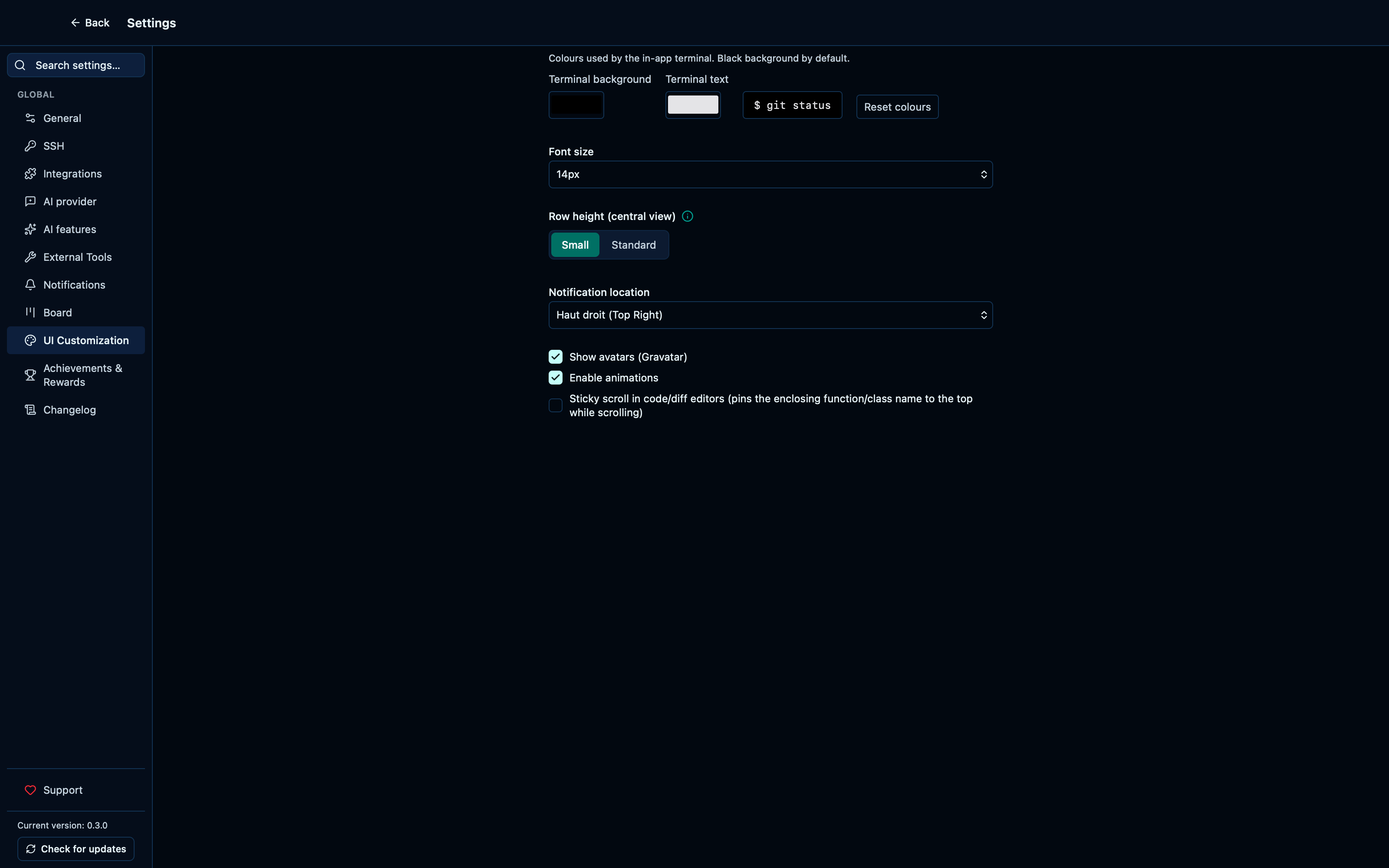
Captured from the running app by this scenario.
Do this
- Open the settings
- Open the
ui_customizationsettings tab - Select the
smallrow height - Reload the application
- Open the settings
- Open the
ui_customizationsettings tab
You should see
- The row height setting is
small
Toggling the rewards setting persists across a reload
The achievements-and-rewards layer — themes and gamification unlocked by using the app — is entirely optional; turning it off is a real setting, not just hiding the trophy page, and it stays off across a reload the same way any other choice here does.
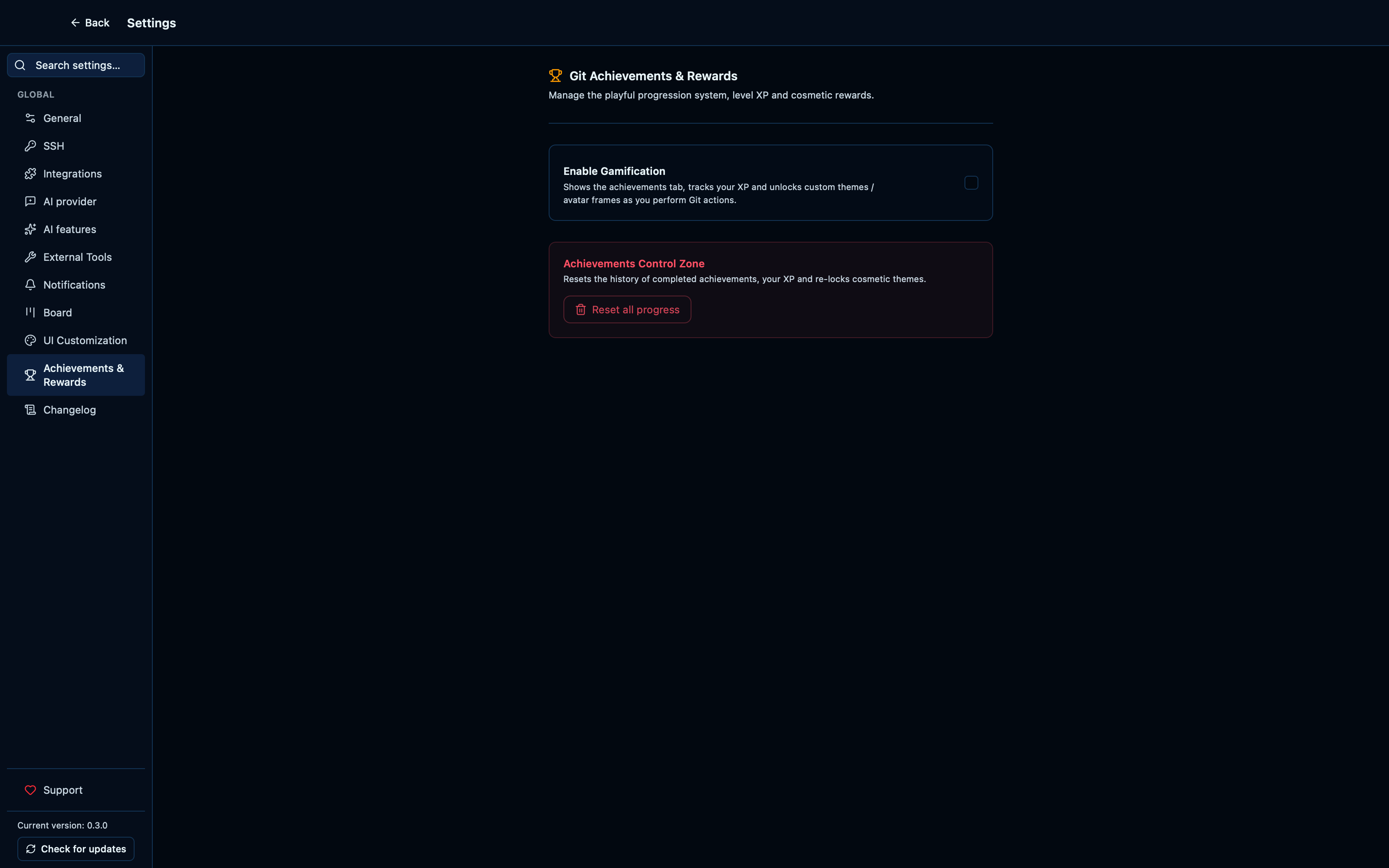
Captured from the running app by this scenario.
Do this
- Open the settings
- Open the
rewardssettings tab - Toggle the rewards setting off
- Reload the application
- Open the settings
- Open the
rewardssettings tab
You should see
- The rewards setting is
off
Switching the interface language takes effect immediately
The language dropdown at the top of the General section drives the same i18next instance every screen renders through, so picking a new language re-renders the whole app's copy on the spot — no reload, no restart.
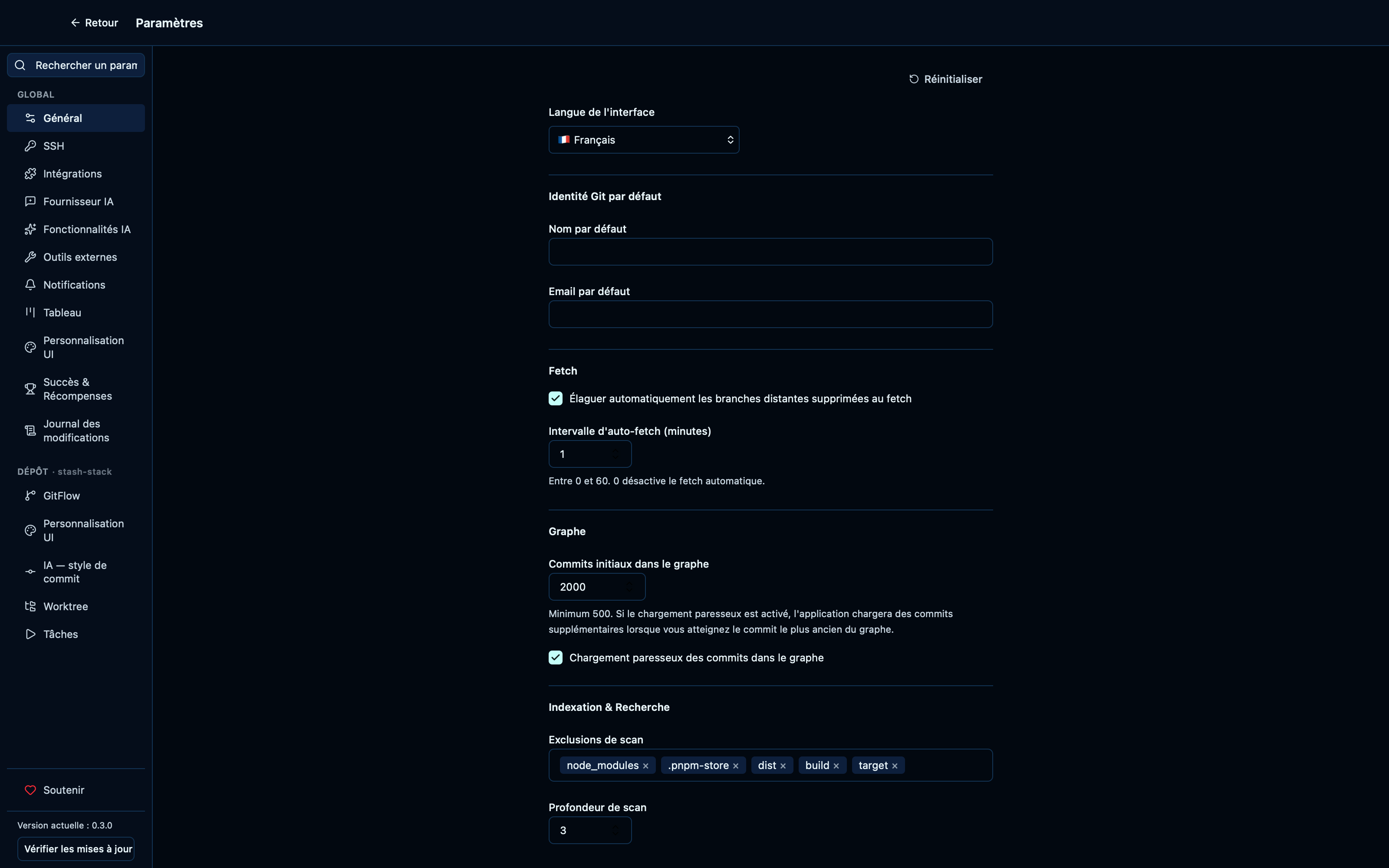
Captured from the running app by this scenario.
Do this
- Open the settings
- Open the
generalsettings tab - Select
Frenchas the interface language - Select
Englishas the interface language
You should see
- The interface language label reads
Interface language - The interface language label reads
Langue de l'interface - The interface language label reads
Interface language
Searching settings filters the side panel to matching sections
Every section is reachable by more than its label — the search box also matches each section's localized keyword synonyms, so typing what you're trying to do ("terminal") surfaces the section that handles it even when its own name doesn't say so.
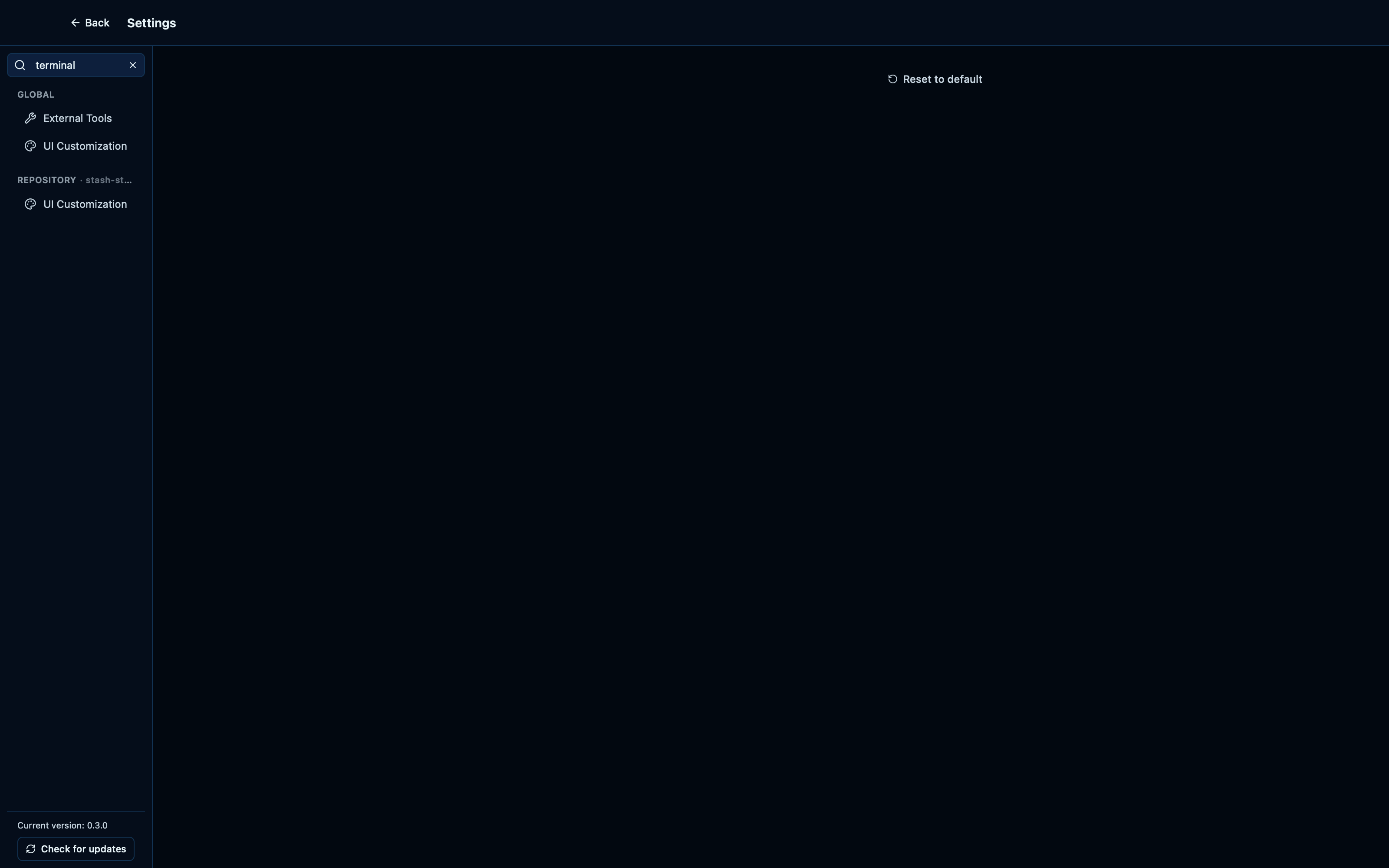
Captured from the running app by this scenario.
Do this
- Open the settings
- Search settings for
terminal - Search settings for ``
You should see
- The
ui_customizationsettings tab is shown - The
notificationssettings tab is not shown
The Support tab links to GitHub Sponsors
Settings has one, single ask: a Support tab with a button to back the project on GitHub Sponsors, pinned at the bottom of the side panel below every configuration section.
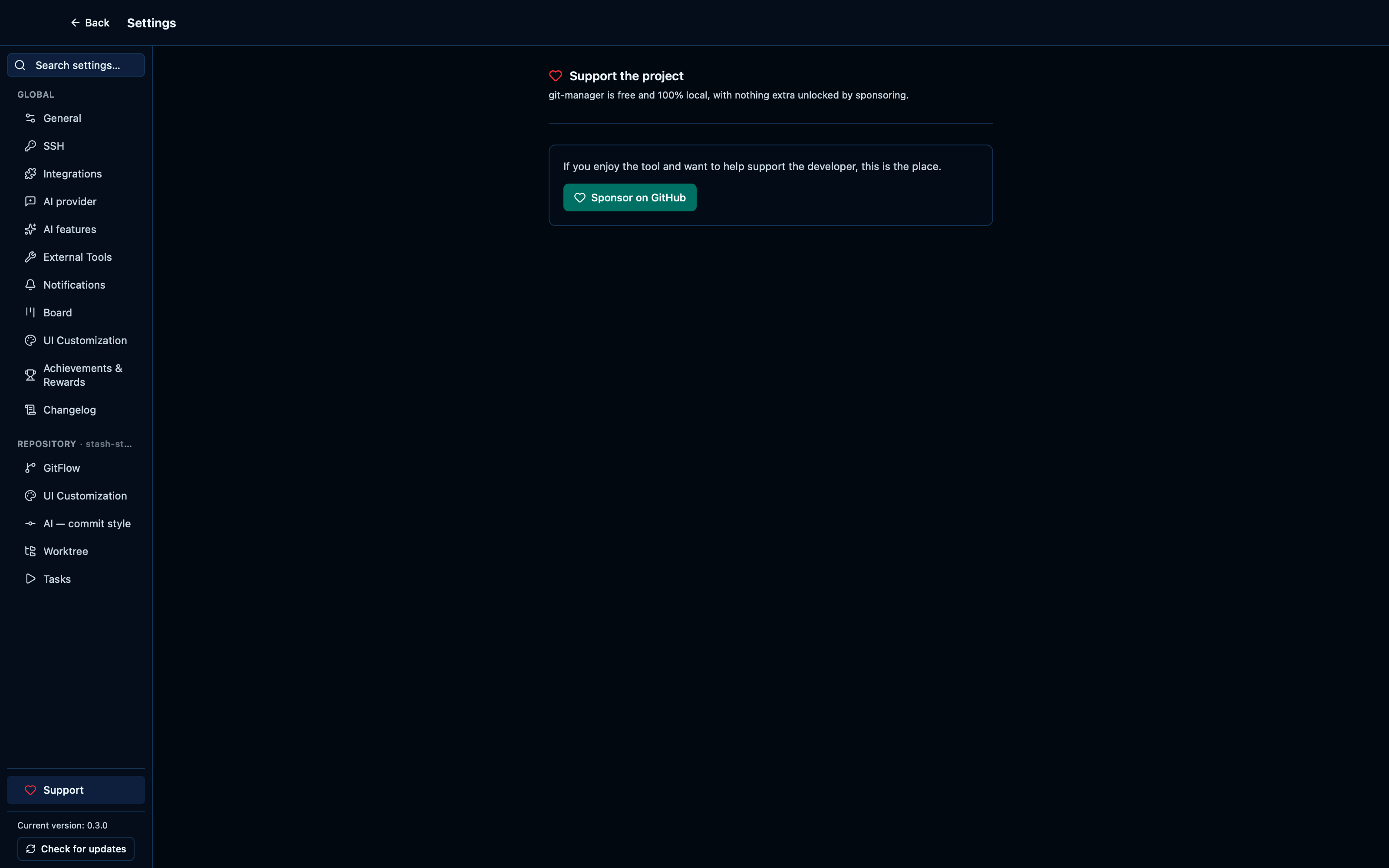
Captured from the running app by this scenario.
Do this
- Open the settings
- Open the
supportsettings tab
You should see
- The sponsor button is shown
The current version and an update check sit below every settings tab
Pinned at the very bottom of the side panel, below every section and the Support link, is the app's own version and a button to check for a newer one — reachable whichever tab is open, since it's the one thing that never depends on what you're configuring. An update, once found, downloads and installs in place, ending in a one-click restart.
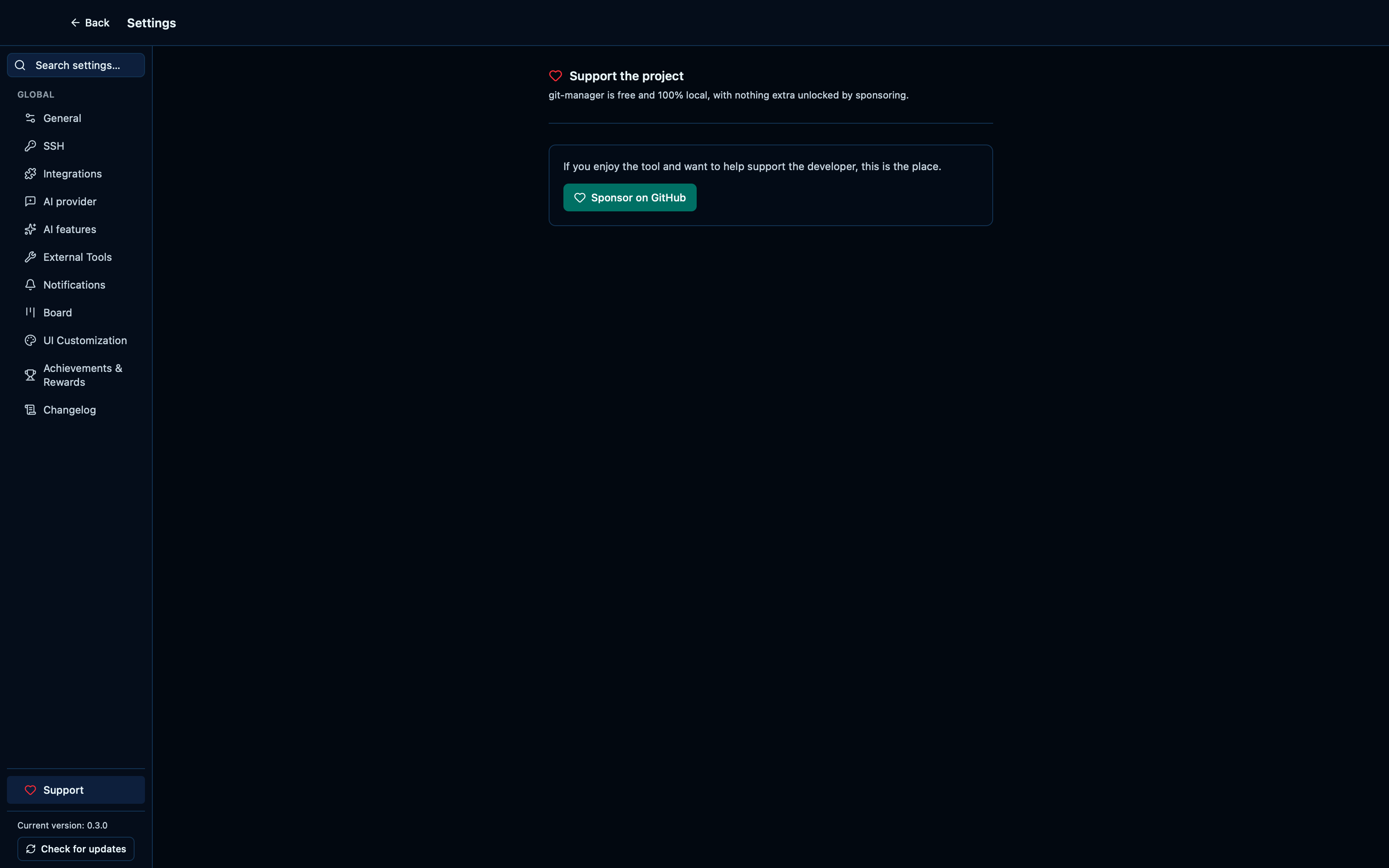
Captured from the running app by this scenario.
Do this
- Open the settings
You should see
- The current app version is shown
The changelog tab lists recent release entries
Settings → Changelog renders the project's own release notes — the same file published with every release — so what changed and when is one click away, without leaving the app.
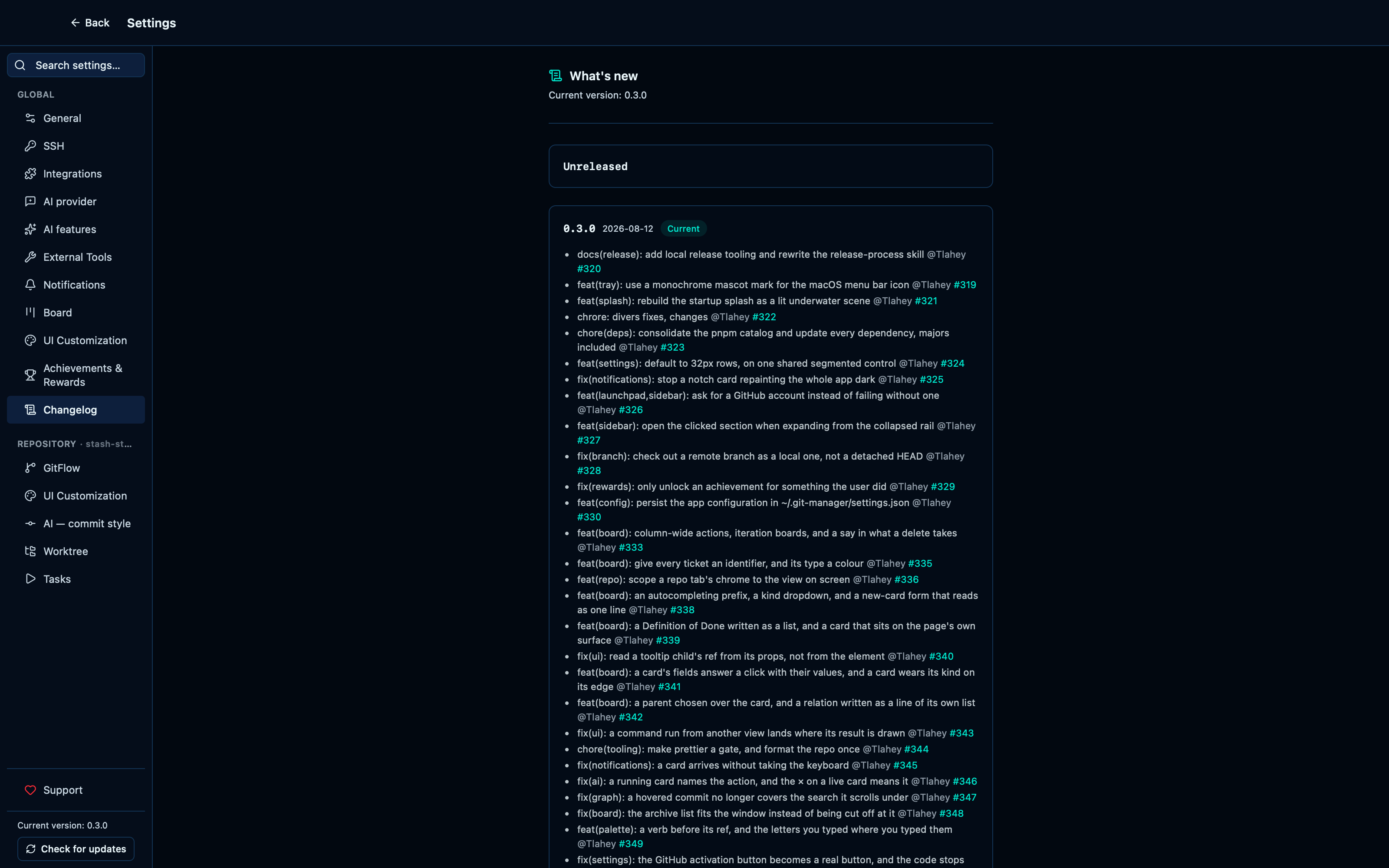
Captured from the running app by this scenario.
Do this
- Open the settings
- Open the
changelogsettings tab
You should see
- The changelog shows at least one release entry
This page is generated from apps/e2e/features/settings.feature, the end-to-end test that drives the feature it describes.