
Opening a repository
The New Tab page (⌘T) is where every repository session starts: pick a repository you've already opened, or start a new one via Open, Clone or Create — all three end at your OS's native folder picker, so this page's own screenshot is of the list you pick from.
Picking a recent repository reopens it
A blank tab (⌘T) lists the repositories you've opened before, most recent first. Picking one opens it straight into the working tab — the blank placeholder is consumed by the repository it was used to open, rather than lingering next to it.
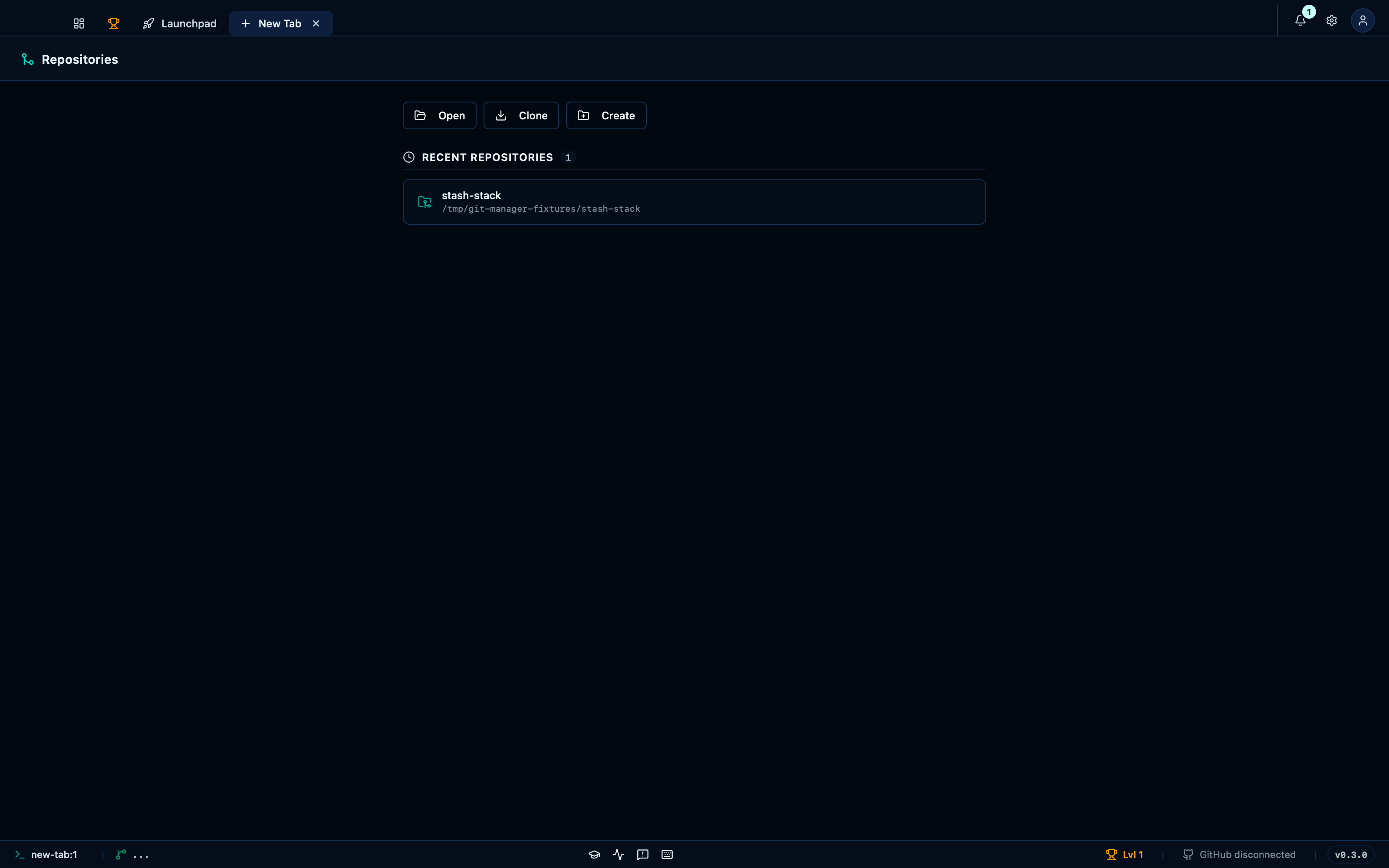
Captured from the running app by this scenario.
Do this
- Open a new tab
- Pick the
stash-stackrecent repository
You should see
- The
stash-stackrepository is open and focused
This page is generated from apps/e2e/features/open-repo.feature, the end-to-end test that drives the feature it describes.