
Fetching and pulling from a remote
Fetch and pull are two different amounts of the same idea. Fetch downloads whatever is new on the remote and updates what the app knows about it, without touching your own branch — the pull button's badge is what tells you there's now something to integrate. Pull does both steps at once: fetch, then fast-forward your branch onto what it found.
Pulling brings your branch up to date
A teammate's commit already landed on the remote before you fetch, so the app doesn't know about it yet. Clicking Fetch downloads it and updates the pull button's badge to say so, without moving your branch an inch — you can look at what changed before deciding to integrate it. Clicking Pull then fast-forwards your branch onto it in one step.
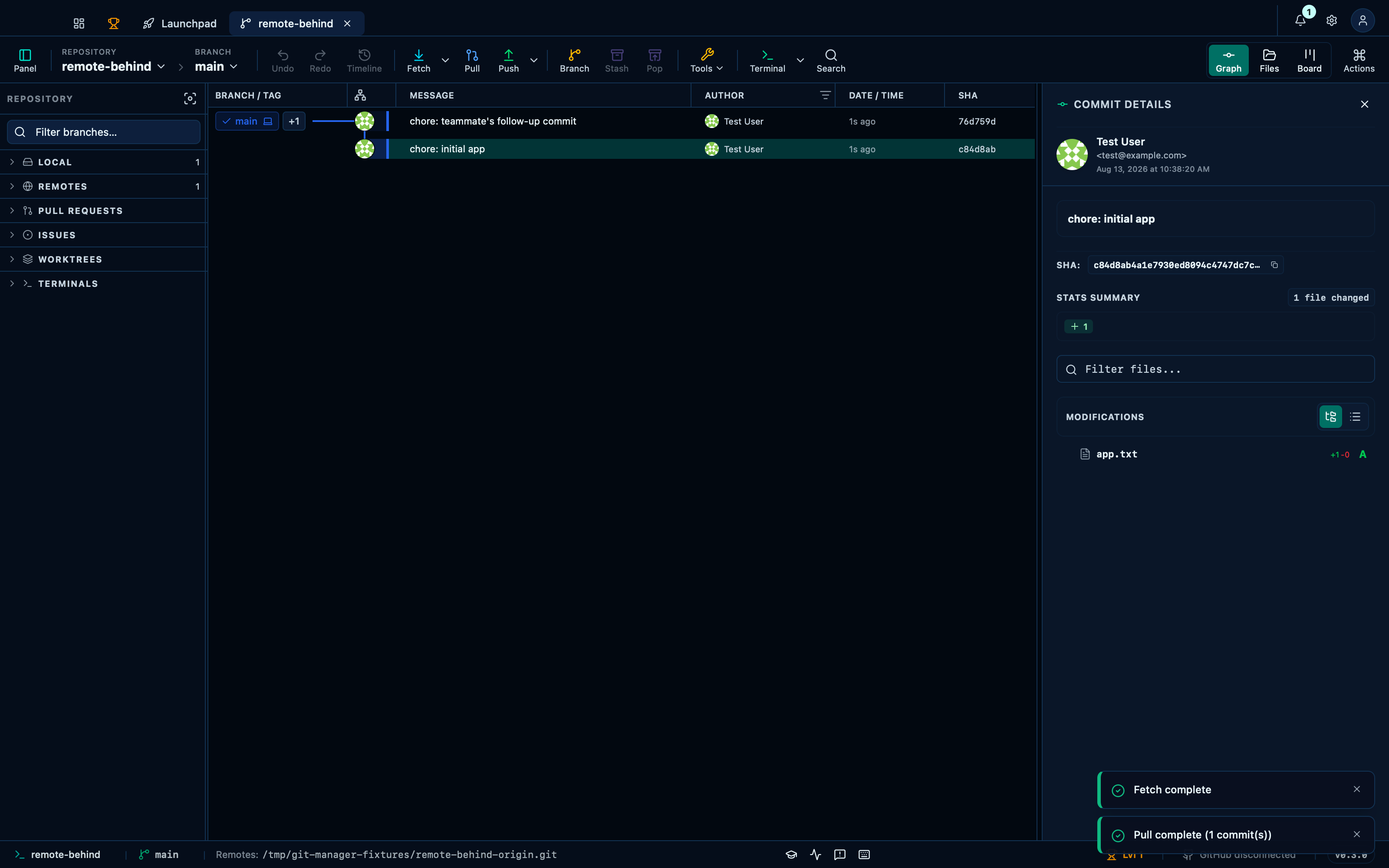
Captured from the running app by this scenario.
Do this
- Click the toolbar fetch button
- Click the toolbar pull button
You should see
- The toolbar pull button shows commits waiting to be pulled
- The repository HEAD commit subject contains
teammate's follow-up commit
This page is generated from apps/e2e/features/remote-fetch-pull.feature, the end-to-end test that drives the feature it describes.