
Hovering a sidebar pull request shows its review summary
Resting the pointer on a pull request row lazily fetches its reviewer approvals and check status, showing them in a hover card next to the row — a single GraphQL round trip fired only once the row is actually hovered, cached afterwards.
Hovering a pull request row shows its reviewer and checks
Resting the pointer on a pull request in the sidebar's list is enough to see where it stands — who has reviewed it and whether its checks pass — without opening it. The reviewer and check data is fetched the first time a row is hovered, not before, and reused after that.
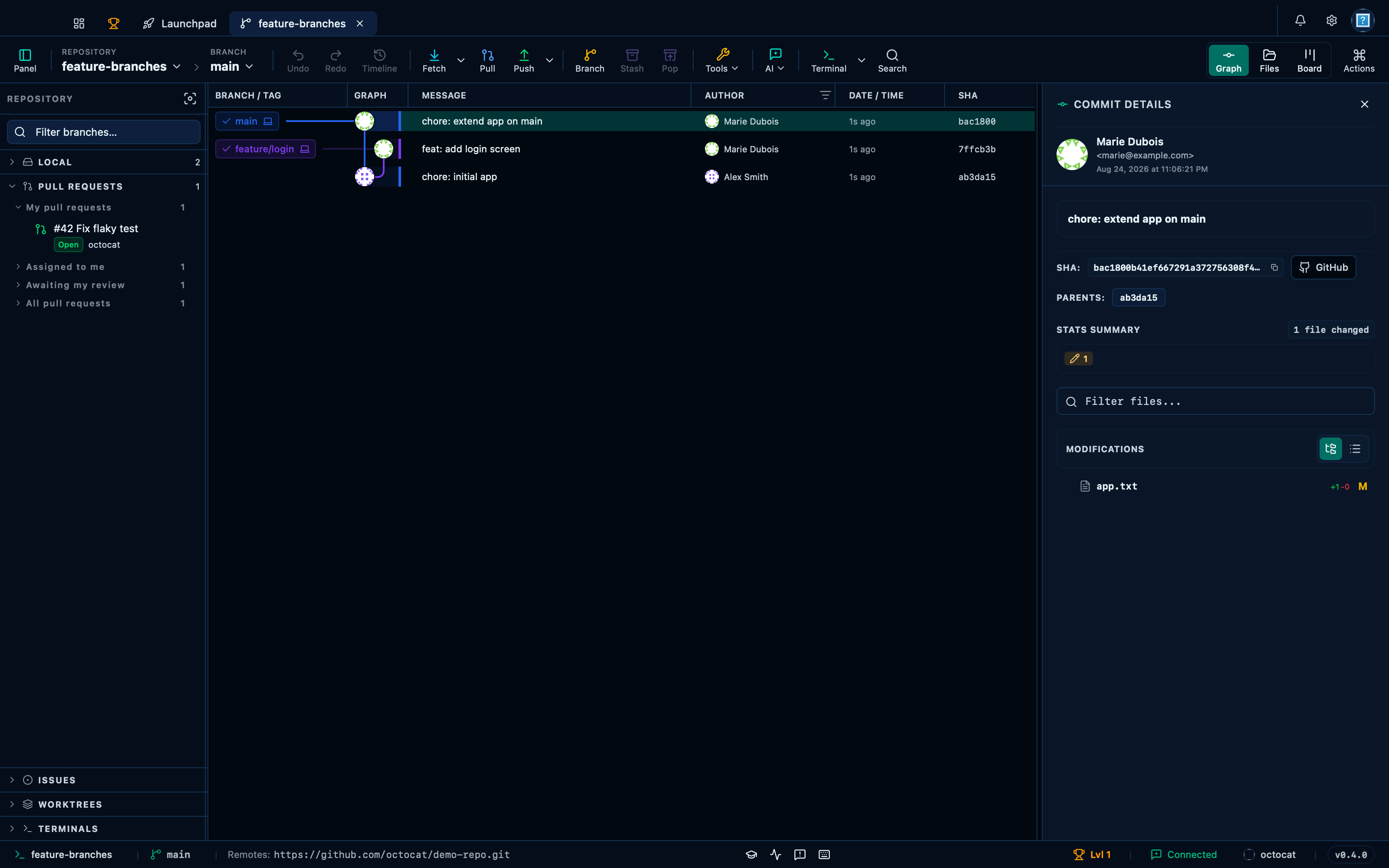
Captured from the running app by this scenario.
Do this
- Expand the
prssidebar section - Focus the sidebar pull request
42
You should see
- The pull request hover card
42is shown - The pull request hover card
42lists reviewerhubotasAPPROVED - No error notification is displayed
This page is generated from apps/e2e/features/pr-review-hover.feature, the end-to-end test that drives the feature it describes.