
Managing the commit graph sidebar's saved issue filters
Creating a filter opens a small dialog reachable from the Issues section header. Editing, deleting and reordering a filter all live behind that sub-group's own "…" button, which pops a real native OS menu — undrivable by WebDriver, so those three are proven here through the same store the menu's own items would call, asserting the sidebar and its persisted state react exactly as a real click would have produced.
Creating a saved issue filter adds it to the sidebar
The Issues section of the sidebar lists this repository's GitHub issues, searchable with the same query syntax GitHub itself uses. Save a search you find yourself typing again — "Needs triage", "assigned to me", whatever slice matters — and it becomes its own sub-group underneath, one click away instead of a query to retype.
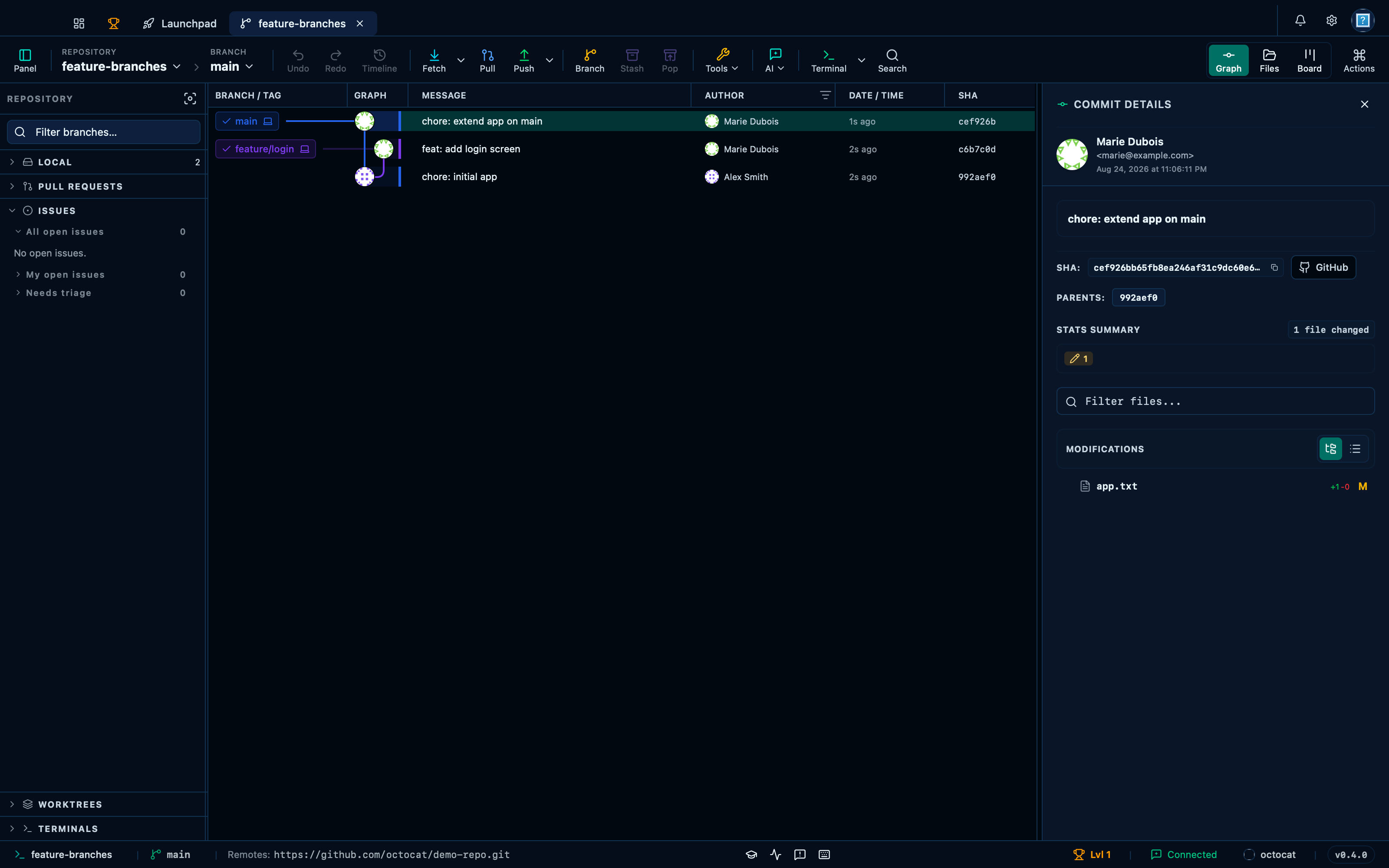
Captured from the running app by this scenario.
Do this
- Create a saved issue filter named
Needs triagewith the queryis:open label:triage
You should see
- The sidebar shows a saved issue filter named
Needs triage
Editing, reordering and deleting a saved issue filter through its store
A saved filter can be renamed, reordered among the others, or removed — all from the "…" button on its own row. Renaming keeps the filter and its query exactly as they were, only the label changes; reordering only changes where it sits in the list; deleting is the only one that is not reversible.
Do this
- Create a saved issue filter named
Blockedwith the queryis:open label:blocked - Create a saved issue filter named
Follow-upwith the queryis:open label:follow-up - Rename the saved issue filter
BlockedtoBlocked work - Move the saved issue filter
Follow-upup - Delete the saved issue filter
Blocked work
You should see
- The sidebar shows a saved issue filter named
Blocked - The sidebar shows a saved issue filter named
Follow-up - The sidebar shows a saved issue filter named
Blocked work - The sidebar does not show a saved issue filter named
Blocked - The saved issue filter
Follow-upis ordered beforeBlocked work - The sidebar does not show a saved issue filter named
Blocked work - The sidebar shows a saved issue filter named
Follow-up
This page is generated from apps/e2e/features/saved-filters-graph.feature, the end-to-end test that drives the feature it describes.