
Pushing to a remote
The toolbar's Push button publishes whatever your branch has that the remote doesn't — its badge counts exactly those commits. There's no confirmation dialog: clicking it pushes immediately, and a toast reports success or failure. A push the remote can't fast-forward — because someone else's commit is already there and yours doesn't build on it — is rejected rather than silently overwriting anything.
Pushing publishes your commits to the remote
The Push button's badge counts the commits your branch has that the remote doesn't. Clicking it publishes them immediately — no confirmation dialog — and a toast confirms it once the remote has them.
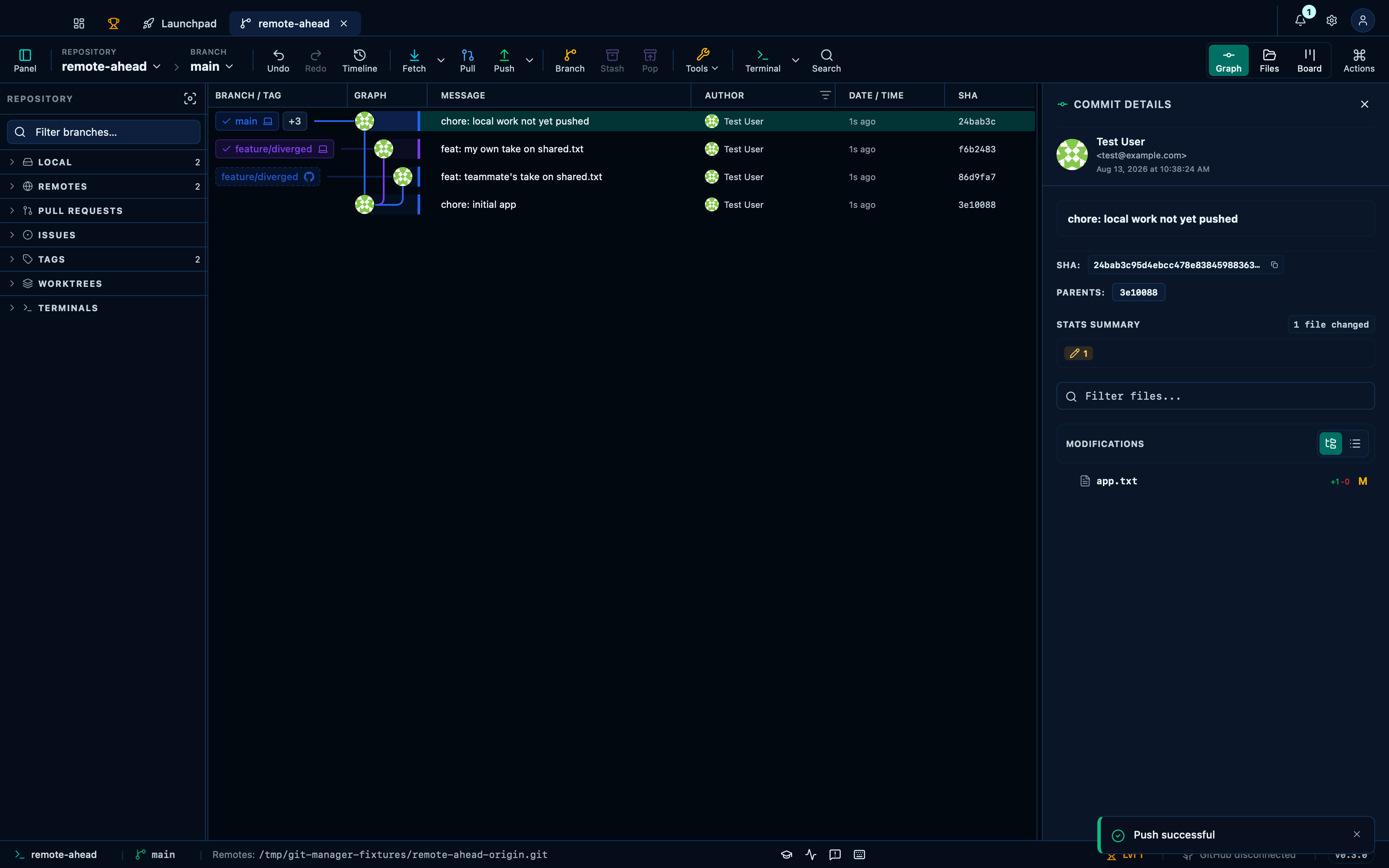
Captured from the running app by this scenario.
Do this
- Click the toolbar push button
You should see
- The remote
originhas the commitchore: local work not yet pushedon branchmain
A rejected push reports the conflict instead of silently failing
A push the remote can't fast-forward — someone else's commit is already there and yours doesn't build on it — is rejected outright rather than overwriting it. The toast names the problem instead of just failing silently, and the remote is left exactly as it was.
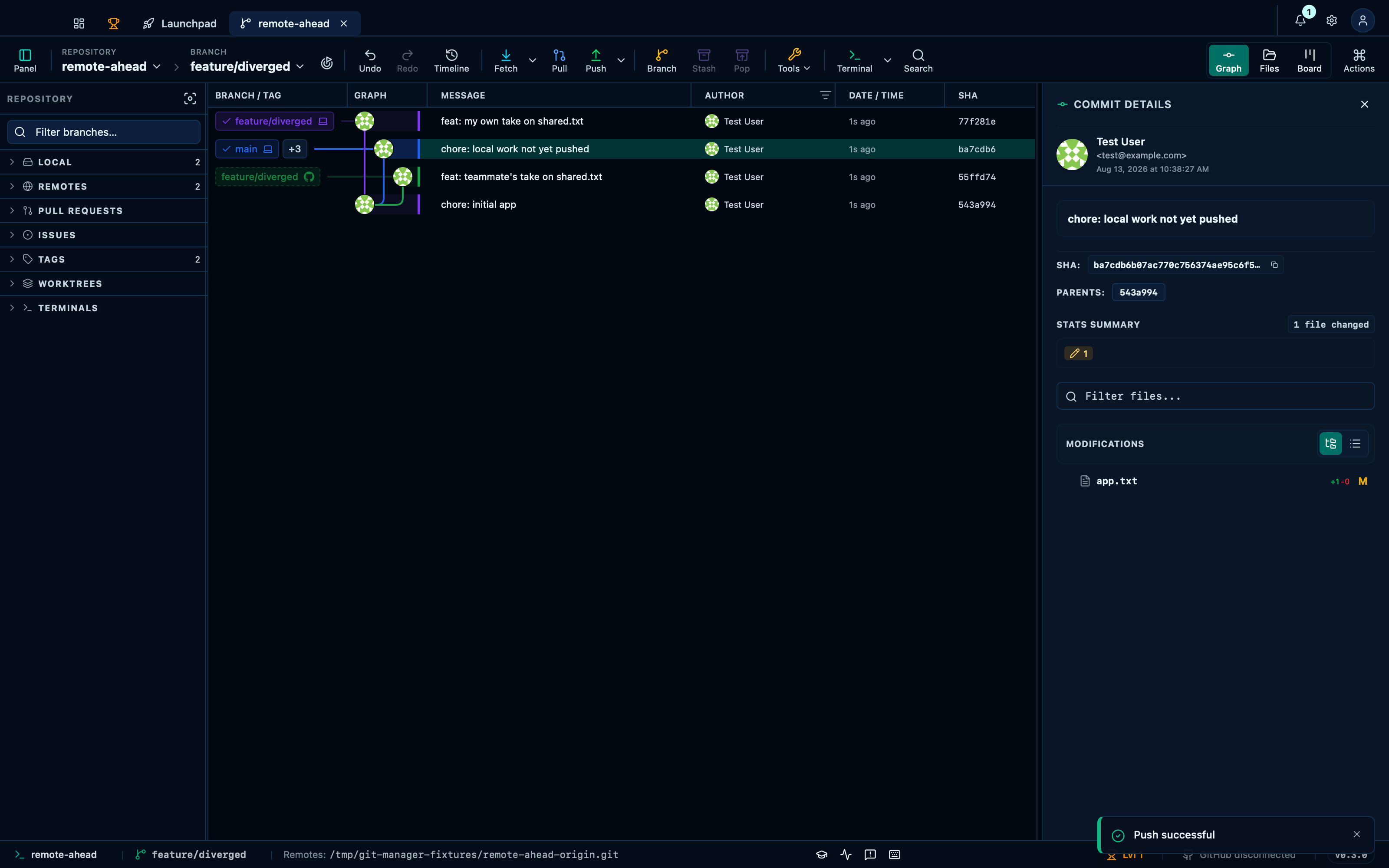
Captured from the running app by this scenario.
Do this
- Check out the
feature/divergedbranch - Click the toolbar push button
You should see
- A push-rejected error is shown
- The remote
originbranchfeature/divergedis unchanged since the last fetch
Deleting a remote branch removes it on the remote
"Delete a remote branch…" removes a branch from everyone's view of the remote, not just yours — which is why it asks for confirmation the local "Delete a local branch…" doesn't. Your own copy is untouched either way; the two deletions are separate actions, same as a tag's are.
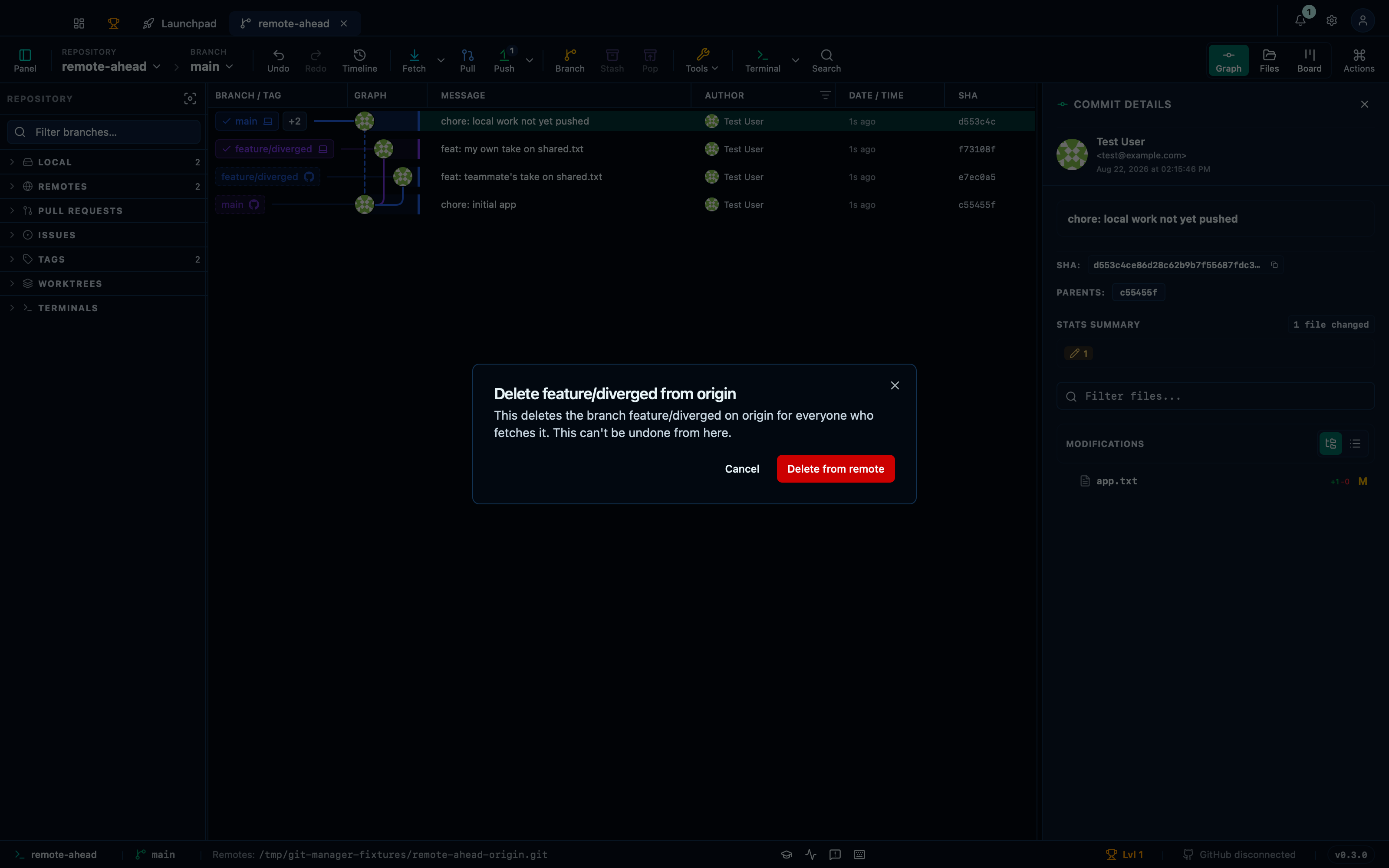
Captured from the running app by this scenario.
Do this
- Open the command palette
- Pick
Delete a remote branch…from the palette - Pick
origin/feature/divergedfrom the palette - Confirm the remote branch deletion
You should see
- The remote branch deletion dialog is shown
- The remote
originno longer has the branchfeature/diverged - No error notification is displayed
This page is generated from apps/e2e/features/remote-push.feature, the end-to-end test that drives the feature it describes.