
Your pull requests
The Launchpad reads real GitHub data once an account is connected (Settings → Integrations), and falls back to deterministic demo data otherwise. Either way, the tabs below the KPI bar all read from the one list already loaded: switching tabs narrows what's shown, it never refetches.
The tabs split PRs into mine, in progress, and waiting on me
"My Pull Requests" groups everything into what's actionable — ready to merge, needing reviewers, blocked on a conflict, waiting on your review, still a draft — so the ones that need something from you surface above the rest rather than sitting in one flat list. "Waiting for review" narrows the same list down to just those, instantly: no spinner, no second fetch.
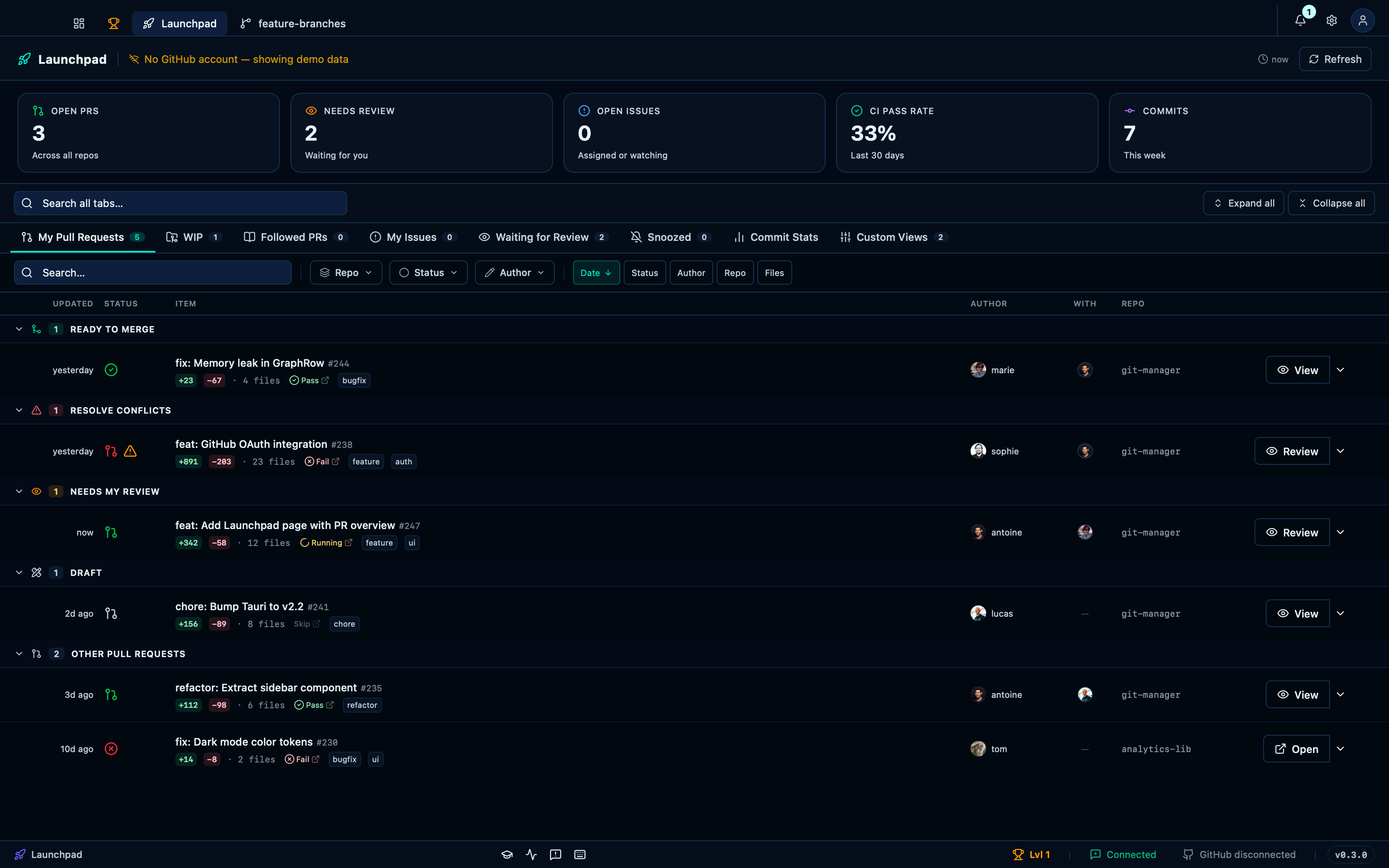
Captured from the running app by this scenario.
Do this
- Open the launchpad
- Select the
waitinglaunchpad tab
You should see
- The
prslaunchpad tab shows the pull requestpr-1 - The
waitinglaunchpad tab shows the pull requestpr-1 - The
waitinglaunchpad tab shows the pull requestpr-4 - The
waitinglaunchpad tab does not show the pull requestpr-2
Searching across the active tab, and folding every group at once
The search box above the tabs filters whichever list is on screen by title, author or repo — one box that follows you from tab to tab instead of a filter each has to relearn. Collapse and expand-all fold or unfold every group of the active tab in one click, for scrolling past a list you already know rather than opening each group in turn.
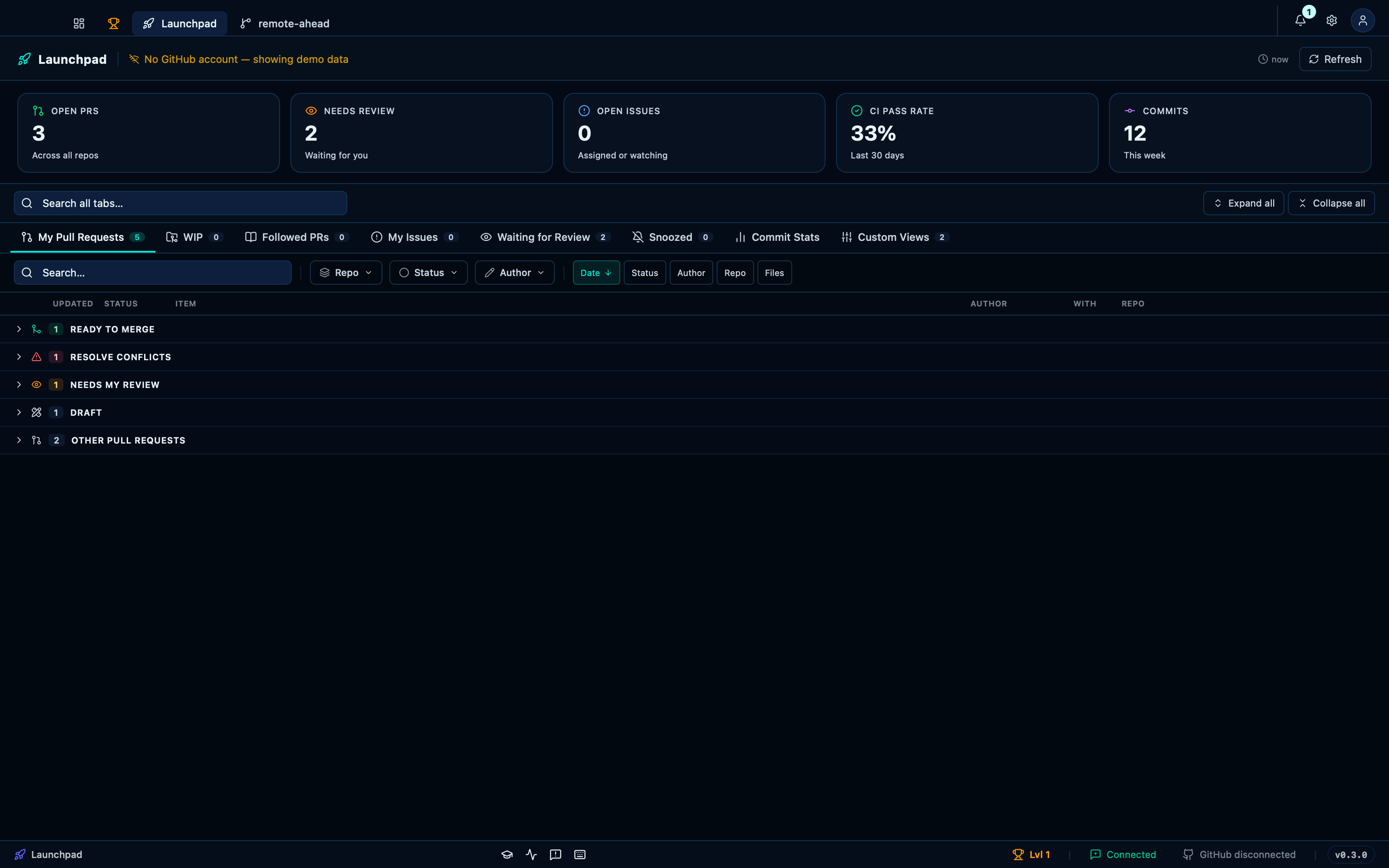
Captured from the running app by this scenario.
Do this
- Open the launchpad
- Search the launchpad for
Memory leak - Clear the launchpad search
- Collapse all launchpad groups
- Expand all launchpad groups
You should see
- The
prslaunchpad tab shows the pull requestpr-2 - The
prslaunchpad tab does not show the pull requestpr-1 - The
prslaunchpad tab does not show the pull requestpr-1 - The
prslaunchpad tab shows the pull requestpr-1
This page is generated from apps/e2e/features/launchpad-prs.feature, the end-to-end test that drives the feature it describes.