
Board
The Board settings tab holds one thing: whether the app periodically commits and pushes .git-manager/board.json on your behalf, for a GitHub-backed board whose column changes need to reach the team without a manual commit.
Turning on board auto-sync and setting its interval
Auto-sync is off by default — like force-push, it touches the repository on your own behalf, so it is a choice rather than a default. Turning it on unlocks the interval field below it (1 to 120 minutes), and both survive a reload the same way every other setting here does.
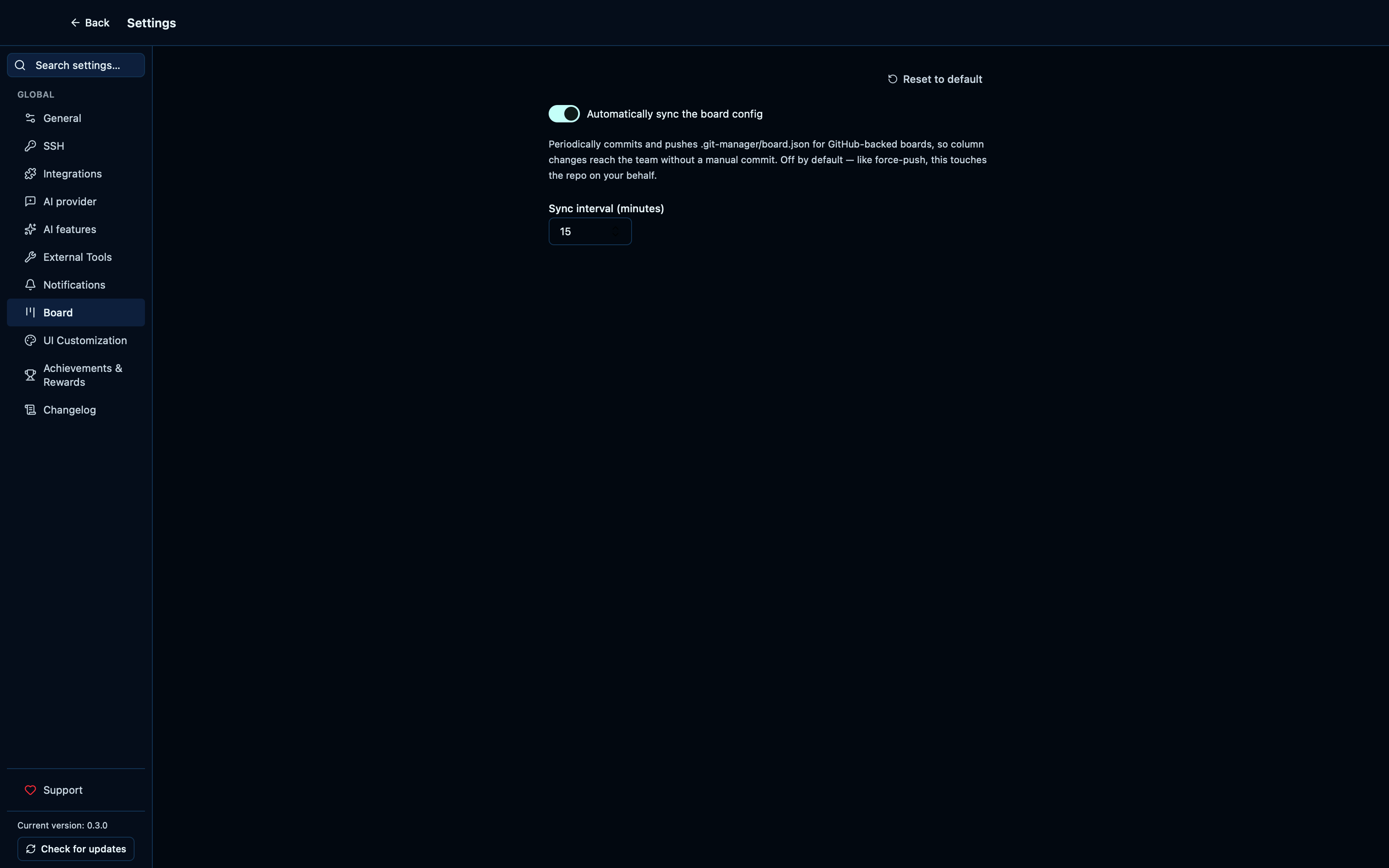
Captured from the running app by this scenario.
Do this
- Reload the application
- Open the settings
- Open the
boardsettings tab - Turn on board auto-sync
- Set the board auto-sync interval to
15minutes - Reload the application
- Open the settings
- Open the
boardsettings tab
You should see
- Board auto-sync is on
- The board auto-sync interval is
15minutes
This page is generated from apps/e2e/features/settings-board.feature, the end-to-end test that drives the feature it describes.