
AI daily summary (dashboard briefing)
Opening the dashboard auto-generates the morning briefing for an open project
A project with no briefing for the previous working day gets one generated automatically the moment its dashboard card is opened — no button to find or click. It reads only the commits that landed on the main branch that day, and summarizes each file they touched before writing the headline and highlights, so a quiet day costs nothing and a busy one gets a briefing grounded in the actual diff rather than the commit messages alone.
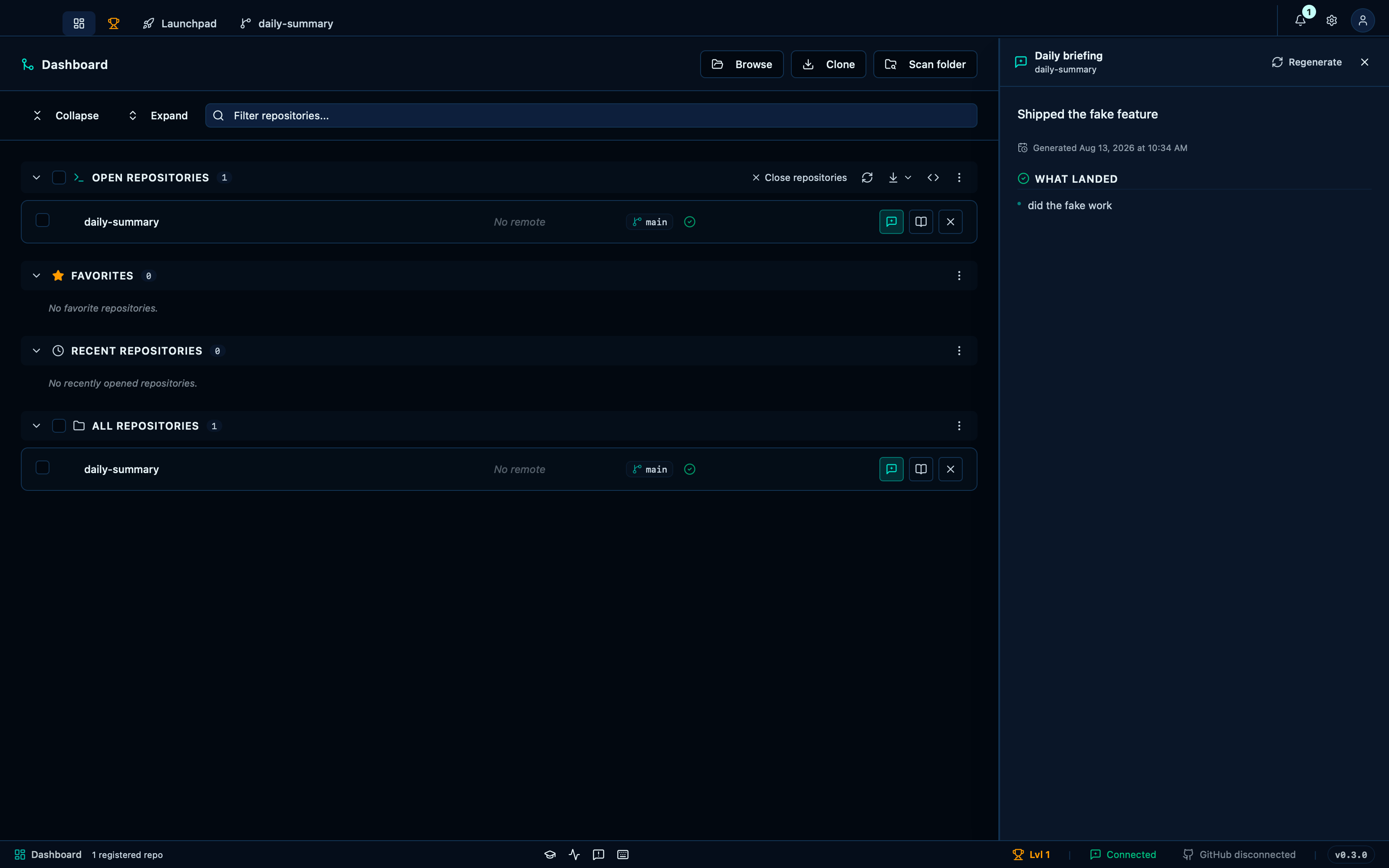
Captured from the running app by this scenario.
Do this
- Open the dashboard
- Open the project's daily briefing
You should see
- The daily briefing headline becomes
Shipped the fake feature - The daily briefing
highlightslist containsdid the fake work
With auto-generation off, the briefing is produced on demand
Turning off the morning auto-run doesn't remove the briefing, only the automatic part of it: the card opens to an empty state instead, and the same generate button that runs every other morning is still one click away whenever you actually want that day's summary.
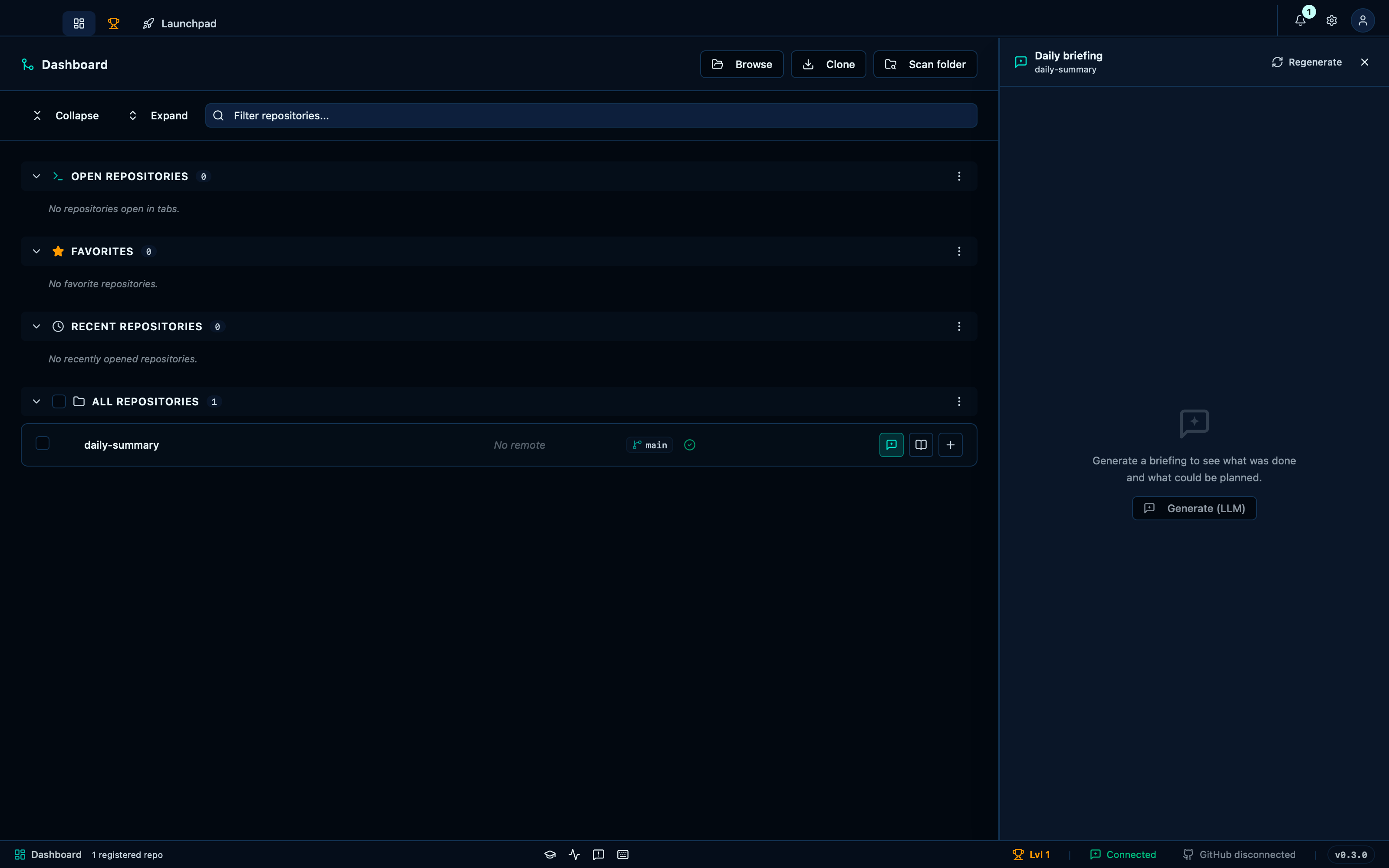
Captured from the running app by this scenario.
Do this
- Open the dashboard
- Open the project's daily briefing
- Generate the daily briefing
You should see
- The daily briefing shows its empty state
- The daily briefing headline becomes
Shipped the fake feature - The daily briefing
highlightslist containsdid the fake work - The sent prompt's system message contains
a short record of ONE day's work - The sent prompt's user message contains
Repository: daily-summary
Disabling the feature hides the briefing from the dashboard
Turning the daily summary feature off in settings removes it from the dashboard entirely — no button, no empty state to explain, for anyone who would rather the card stay just a card.
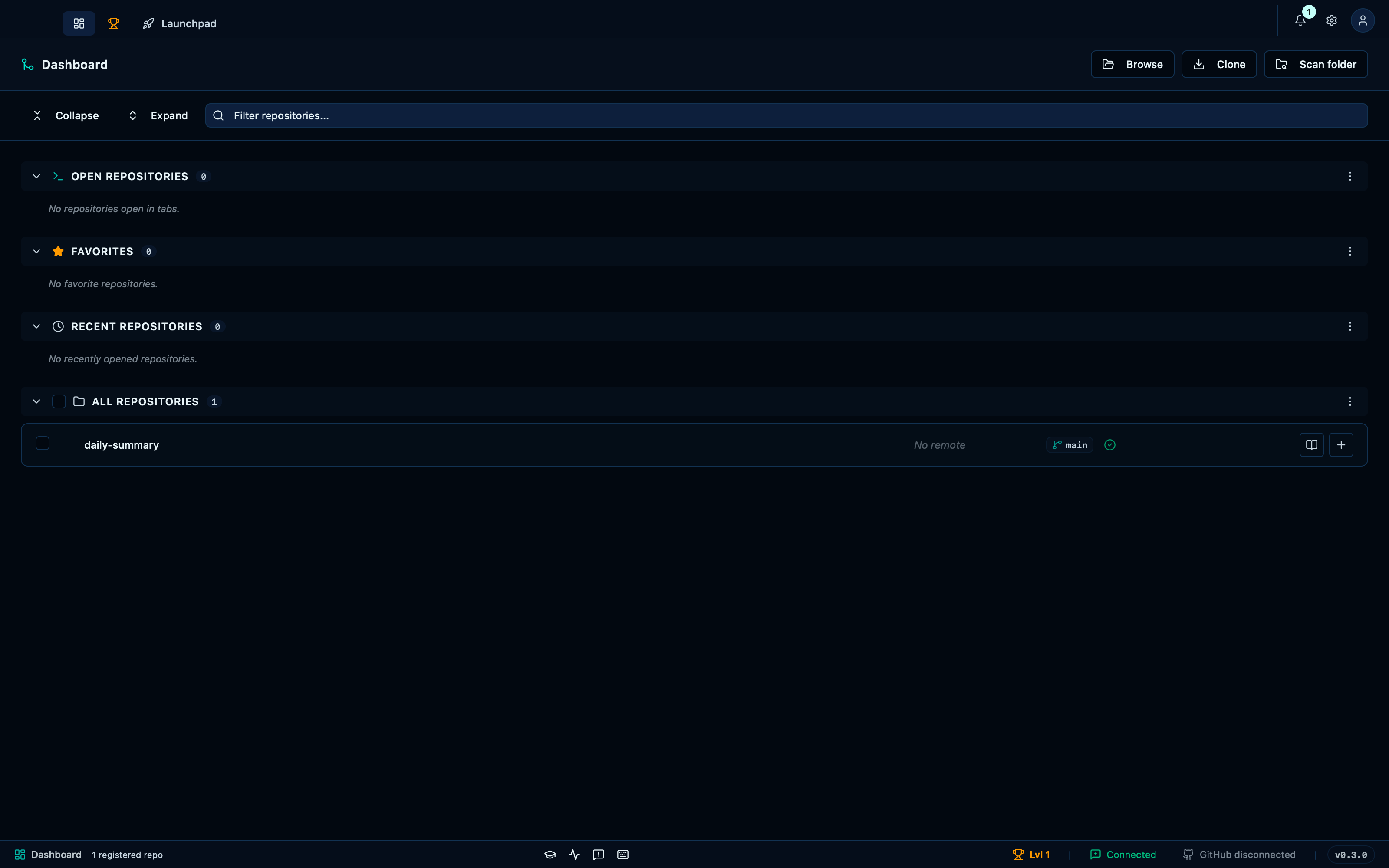
Captured from the running app by this scenario.
Do this
- Open the dashboard
You should see
- The project's daily briefing button is not shown
This page is generated from apps/e2e/features/daily-summary.feature, the end-to-end test that drives the feature it describes.