
Acting on an issue from its detail view
The issue detail view mirrors the pull request one — editing the title, toggling open/closed, and editing labels/assignees all reach a real GitHub round trip, not just local state. Filing a brand new issue from the graph sidebar is the other half: a quick capture that never needs the browser.
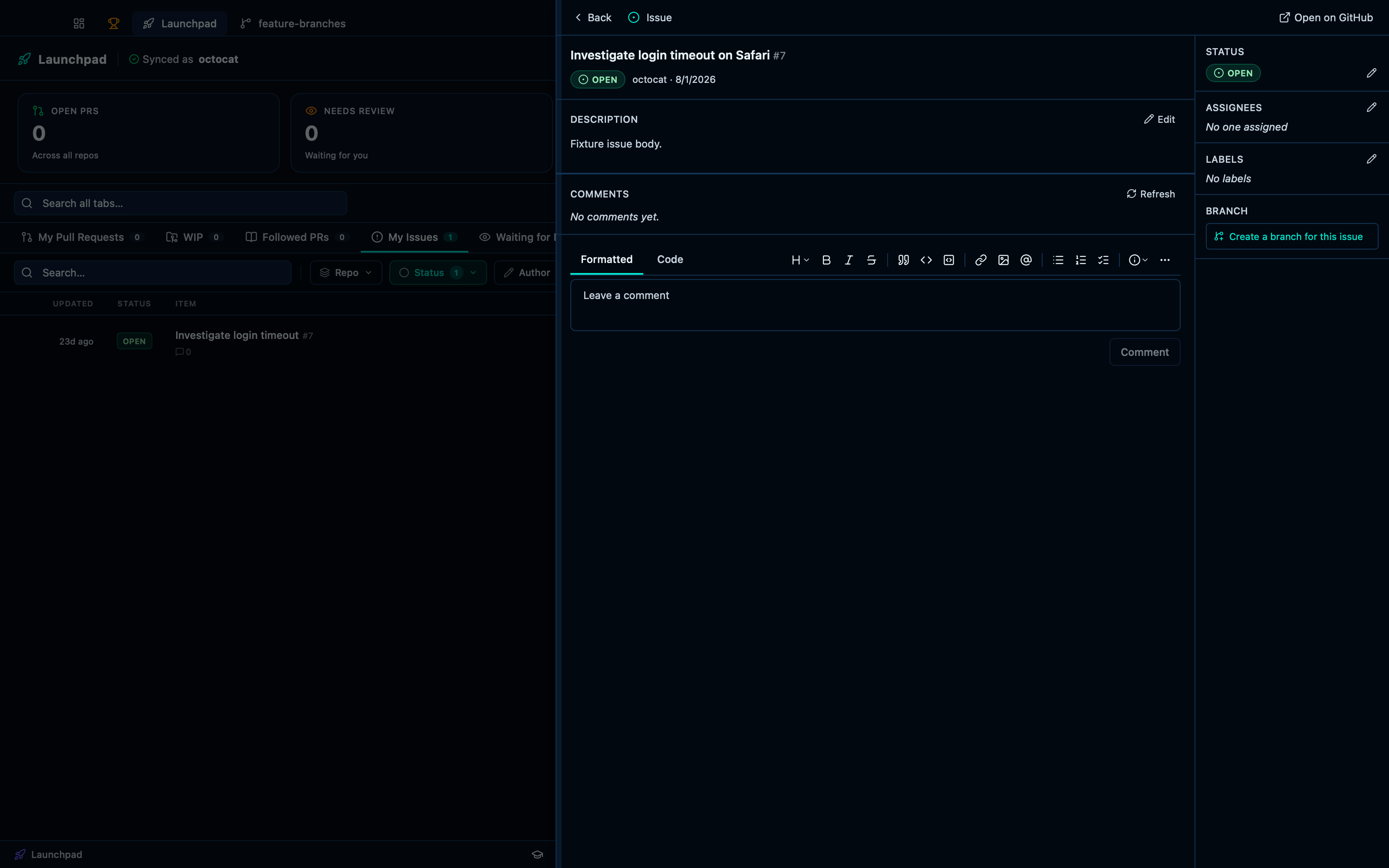
Editing an issue's title
Clicking the title turns it into an inline editor — saving writes the new title straight to GitHub, the same way the pull request title does.
Captured from the running app by this scenario.
Do this
- Open the launchpad
- Select the
issueslaunchpad tab - Open the issue
7inoctocat/demo-repo - Rename the issue to
Investigate login timeout on Safari
You should see
- The issue detail panel shows the title
Investigate login timeout - The issue detail panel shows the title
Investigate login timeout on Safari - No error notification is displayed
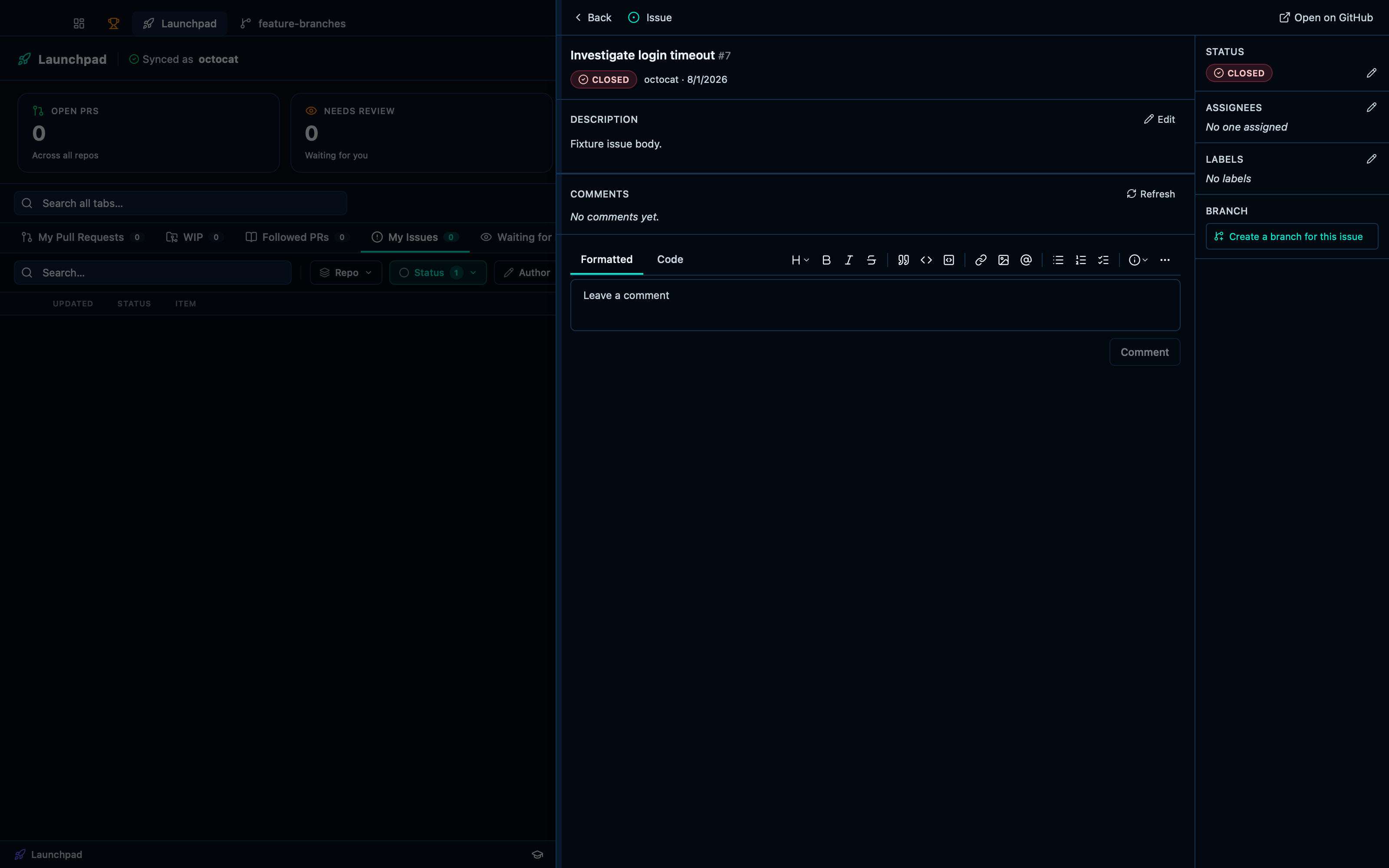
Closing and reopening an issue
The status dropdown in the sidebar toggles between open and closed — a real GitHub state change either way, not just a local flag.
Captured from the running app by this scenario.
Do this
- Open the launchpad
- Select the
issueslaunchpad tab - Open the issue
7inoctocat/demo-repo - Close the issue
- Reopen the issue
You should see
- The issue is shown as closed
- The issue is shown as open
- No error notification is displayed
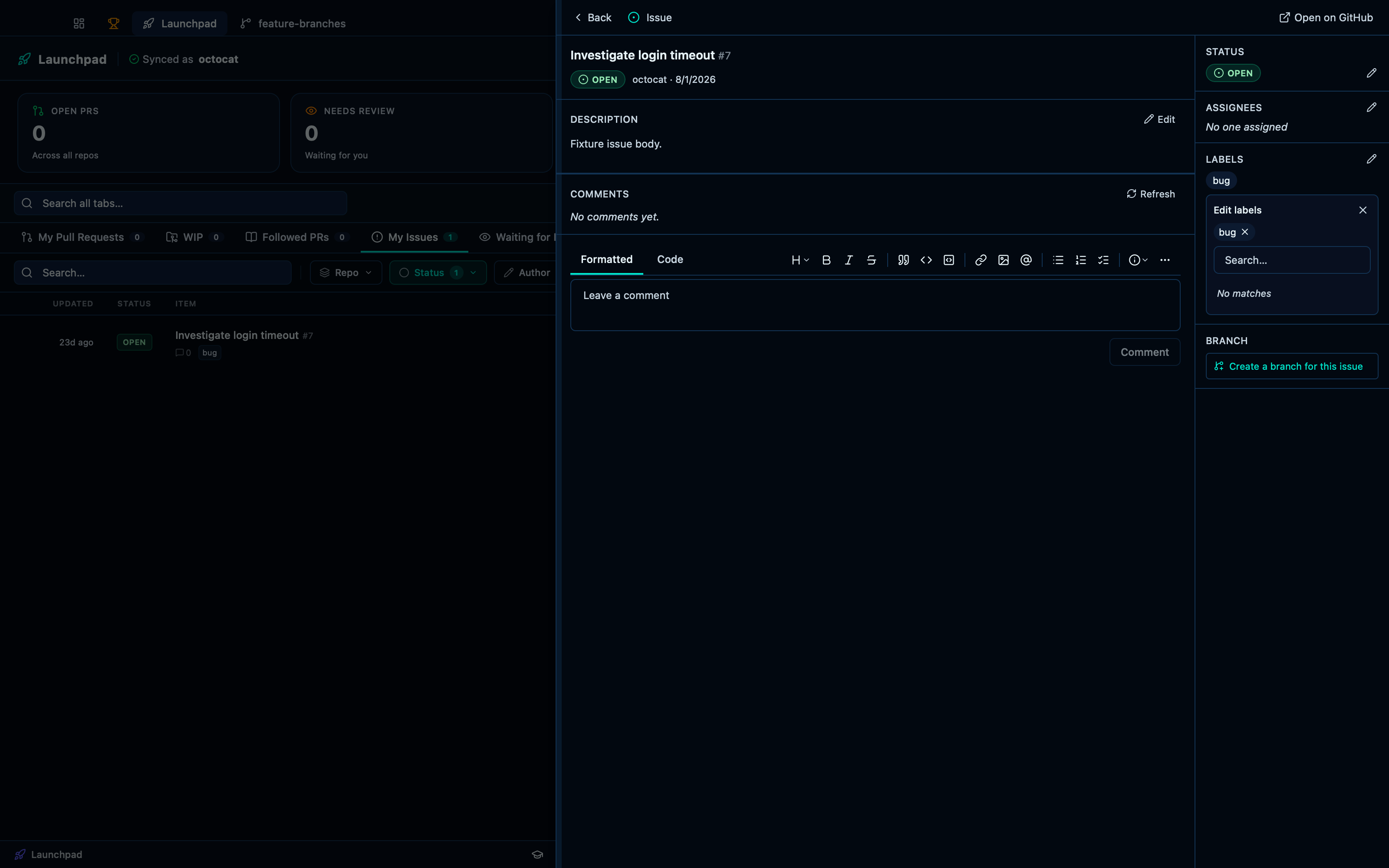
Editing an issue's labels
Labels are editable straight from the side panel through the same search-and-select popover the pull request view uses.
Captured from the running app by this scenario.
Do this
- Open the launchpad
- Select the
issueslaunchpad tab - Open the issue
7inoctocat/demo-repo - Open the issue's labels editor
- Add the label
bugto the issue - Remove the label
bugfrom the issue
You should see
- The issue shows the label
bug - The issue no longer shows the label
bug - No error notification is displayed
This page is generated from apps/e2e/features/issue-actions.feature, the end-to-end test that drives the feature it describes.