
Comparing a commit against the working directory
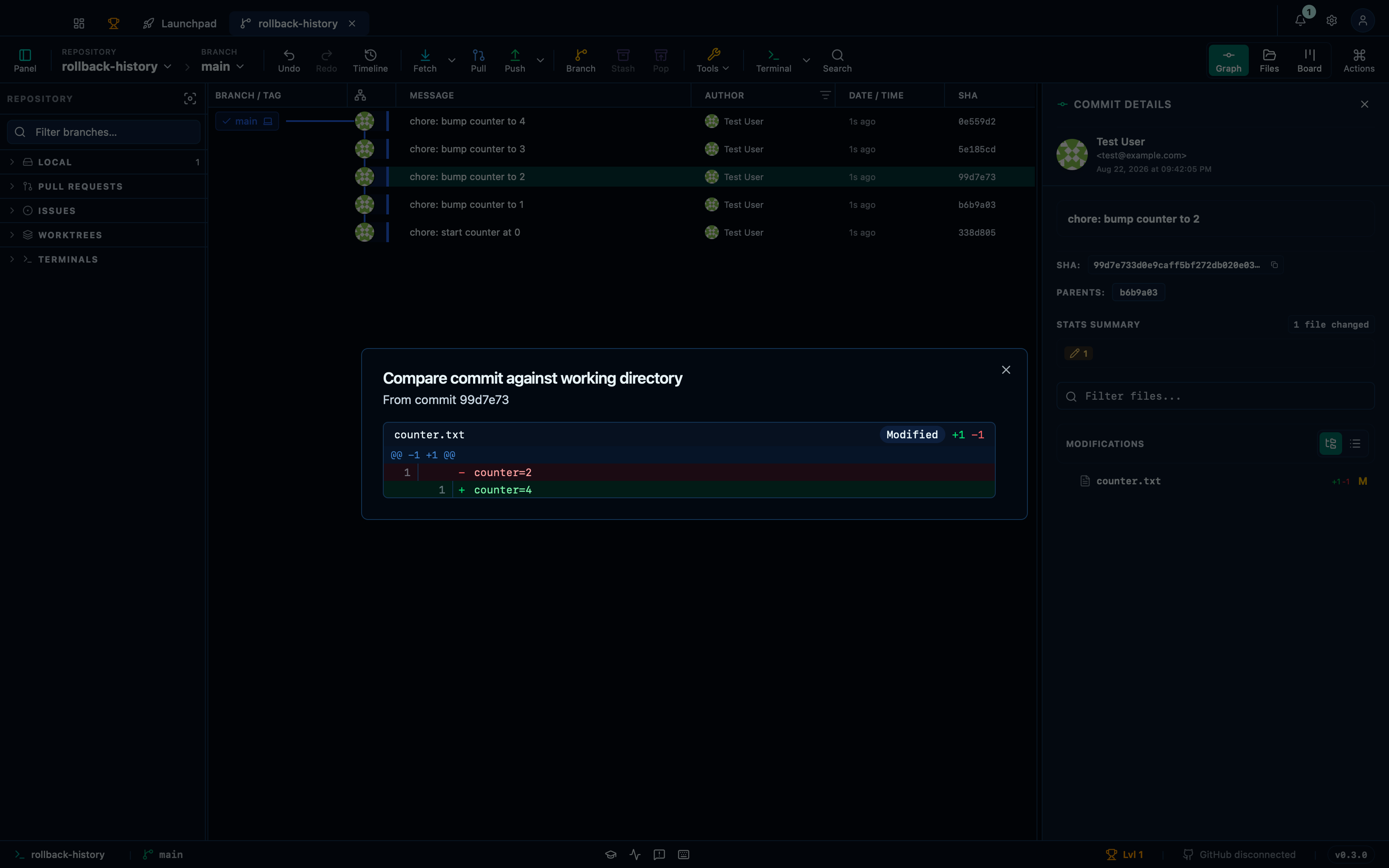
"Compare to working directory", on a commit's own context menu, diffs that commit's tree against the working directory as it stands — not just the index, and not limited to what changed in that one commit. It answers a different question than the graph itself: not "what did this commit do" but "what's different between then and right now, uncommitted changes included".
Comparing an older commit against the current working directory
Picking an older commit shows every file that differs between its tree and the working directory today — the combined effect of every commit since, plus anything still uncommitted, in one diff rather than one commit at a time.
Captured from the running app by this scenario.
Do this
- Select the
HEAD~2commit in the graph - Open the compare-to-workdir dialog
You should see
- The compare-to-workdir dialog is shown
- The compare-to-workdir diff includes the file
counter.txt
This page is generated from apps/e2e/features/compare-to-workdir.feature, the end-to-end test that drives the feature it describes.