
Acting on a pull request from its detail view
The PR detail view isn't just a read-only mirror of GitHub — every write action (comment, review, merge, close/reopen, draft toggle, branch update, and the reviewer/assignee/label editors) reaches a real GitHub round trip, not just local state.
Posting a comment on a pull request
Replying to a pull request writes a real comment straight to GitHub — no need to switch to the browser to keep the conversation going.
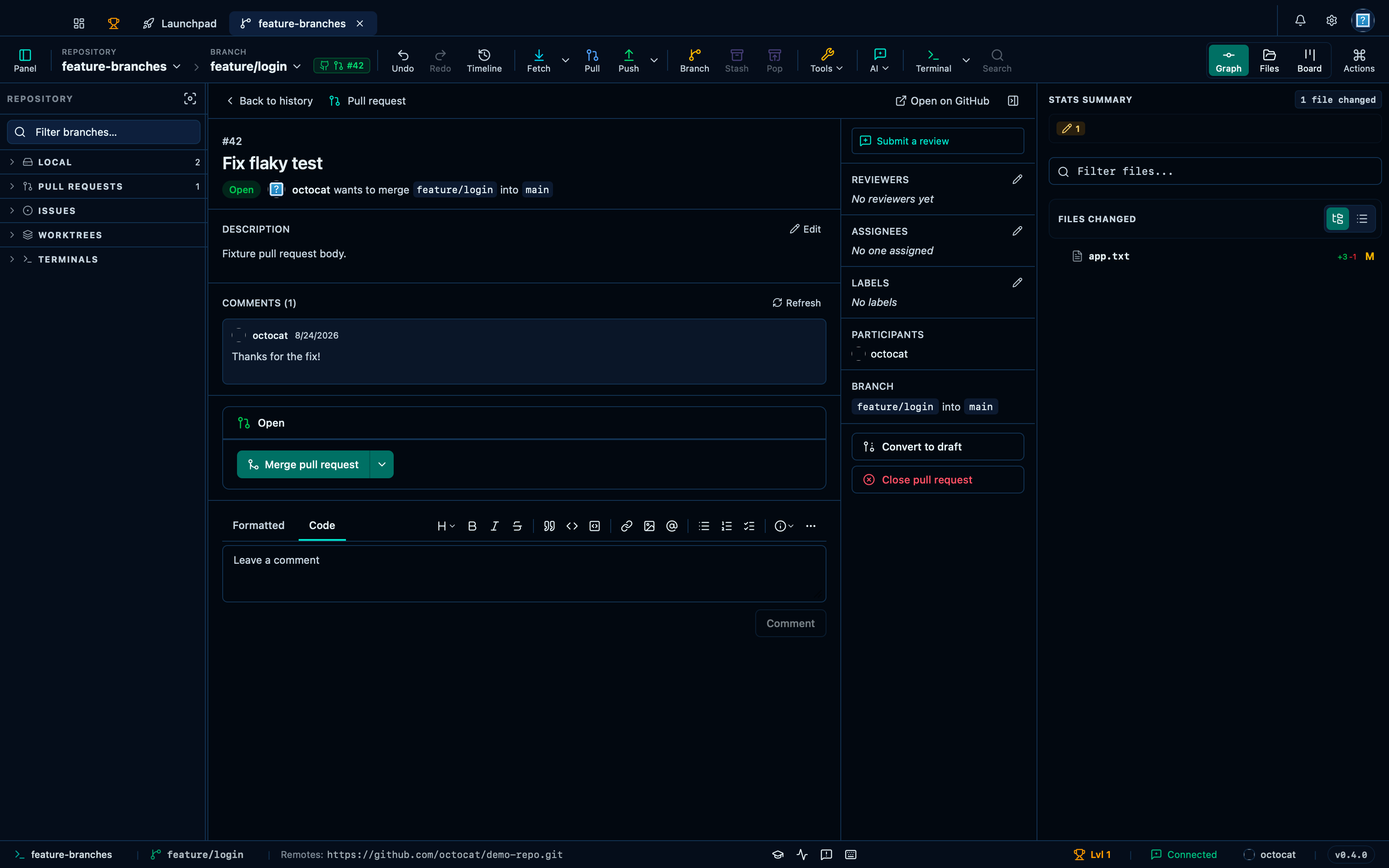
Captured from the running app by this scenario.
Do this
- Check out the
feature/loginbranch - Open the pull request from its status tag
42 - Post the comment
Thanks for the fix!on the pull request
You should see
- The pull request status tag
42is shown - The pull request comments list shows
Thanks for the fix! - No error notification is displayed
Merging a pull request
Once checks are green, merging happens right where you were reviewing — pick a strategy from the split button and the pull request is merged on GitHub without leaving the app.
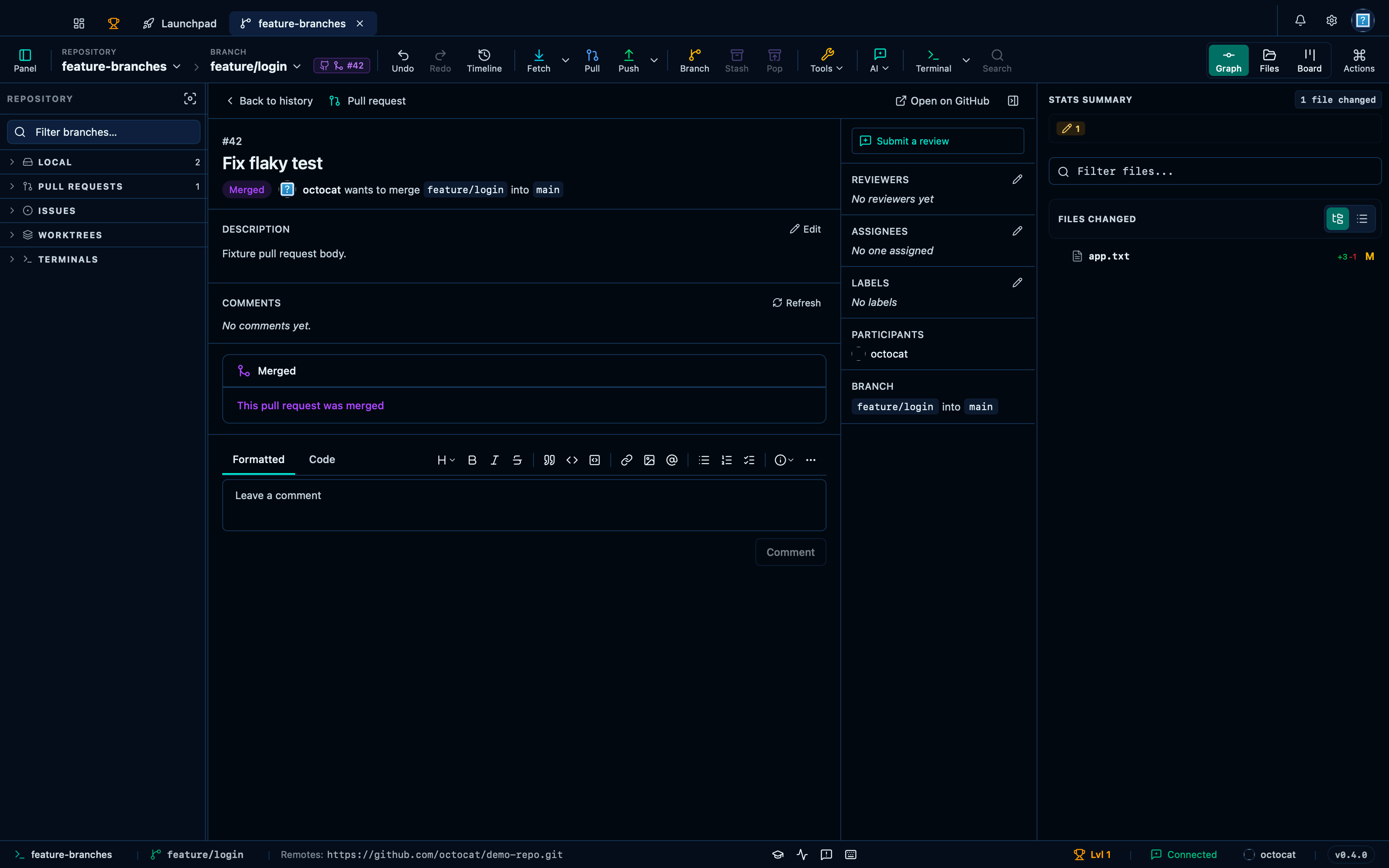
Captured from the running app by this scenario.
Do this
- Check out the
feature/loginbranch - Open the pull request from its status tag
42 - Merge the pull request
You should see
- The pull request status tag
42is shown - The pull request is shown as merged
- No error notification is displayed
Editing a pull request's labels
Reviewers, assignees and labels are all editable from the side panel through the same search-and-select popover, so tidying up a pull request's metadata never means a trip to GitHub.
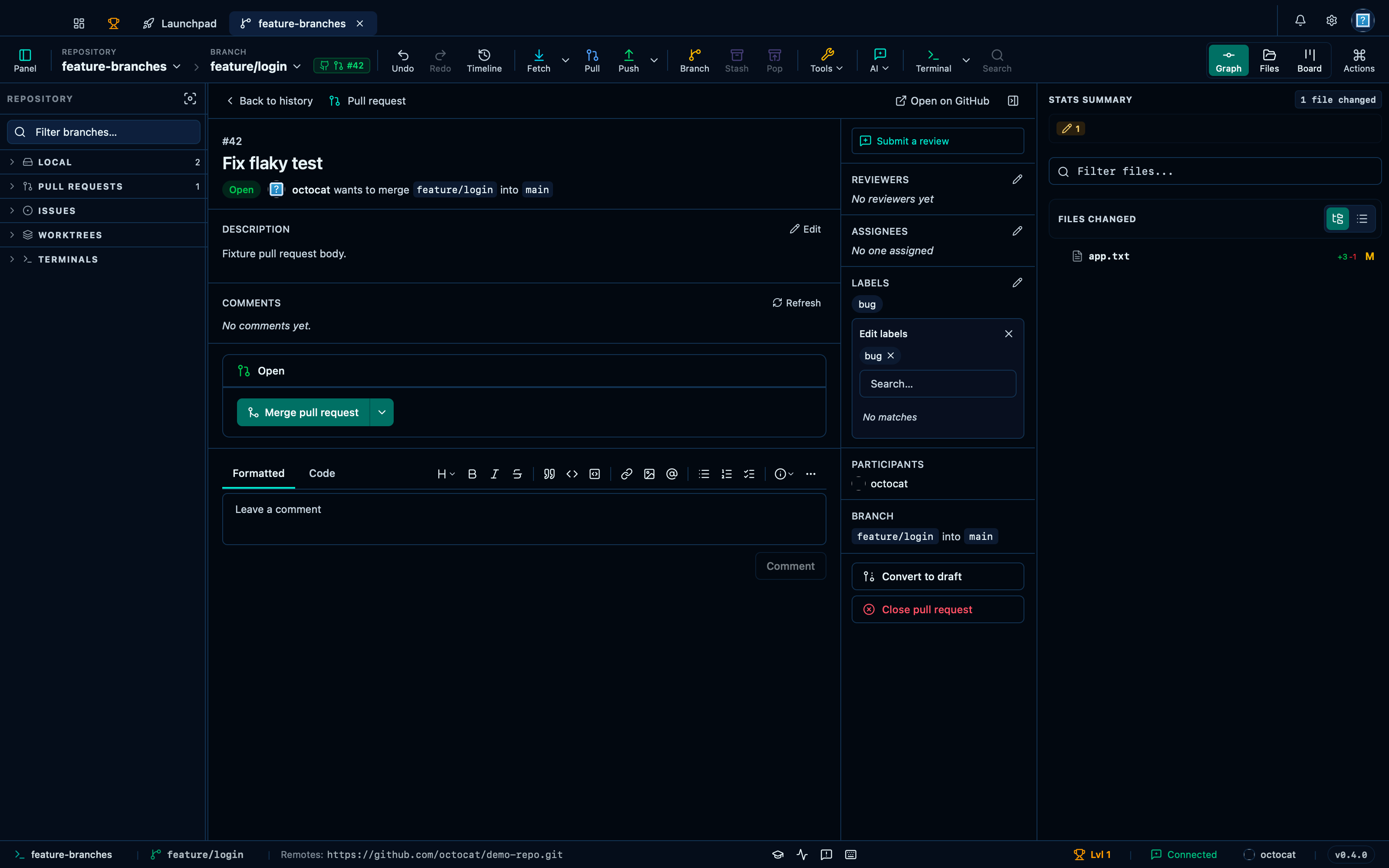
Captured from the running app by this scenario.
Do this
- Check out the
feature/loginbranch - Open the pull request from its status tag
42 - Open the pull request's labels editor
- Add the label
bugto the pull request - Remove the label
bugfrom the pull request
You should see
- The pull request status tag
42is shown - The pull request shows the label
bug - The pull request no longer shows the label
bug - No error notification is displayed
This page is generated from apps/e2e/features/pr-actions.feature, the end-to-end test that drives the feature it describes.